

Got a laptop that won’t start, is glitchy, or has a cracked screen? You don’t have to toss it right away. In this guide I’ll walk you through the most common problems, easy do‑it‑yourself fixes, and the signs that it’s time to call a pro. Grab a screwdriver and let’s get your machine back in shape.
Most laptops break in predictable ways. The first thing to check is the power. Plug the charger in, make sure the outlet works, and look for any indicator lights. If the laptop still won’t power up, the battery might be dead or the power jack could be loose.
Slow performance is another frequent complaint. Over time, background programs, too many startup items, and a cluttered hard drive can slow things down. A quick clean‑up of junk files and a scan for malware often brings speed back.
Screen issues range from dim displays to full‑on black screens. A cracked screen will need a replacement, but sometimes the problem is just a loose cable or a dead backlight. Open the bezel carefully and look for any visible damage before deciding on a part.
Heat problems cause random shut‑downs. Dust builds up in the cooling fans and vents, making the laptop overheat. A burst of compressed air can clear the dust, and re‑applying thermal paste to the CPU can keep temperatures low.
Start every repair with the laptop unplugged and the battery removed (if it’s removable). This prevents any short circuits. Keep a small container for screws – they’re tiny and easy to lose.
For a dead battery, first try a power reset: hold the power button for 15 seconds, then reconnect the charger. If the laptop still won’t charge, the battery likely needs a replacement. Matching the exact model number ensures you get the right capacity.
When the keyboard stops working, moisture or debris is often the culprit. Turn the laptop upside down, give it a gentle shake, and use a soft brush to clear out any crumbs. If keys still stick, you may need to pop off the keycap and clean the contact point.
Replacing a cracked screen is more involved but doable with the right tools. Remove the screen bezel, disconnect the video cable, and swap in the new panel. Make sure the new screen matches the laptop’s resolution and connector type.
If you’re comfortable with software, a fresh OS install can solve stubborn driver issues. Back up your data first, then use a bootable USB drive to reinstall Windows or macOS. This wipes out hidden problems that a simple update can’t fix.
Know when to stop. If you hear popping sounds, smell burnt electronics, or the laptop won’t stay on after you’ve tried basic fixes, it’s best to hand it over to a certified technician. Professional repair shops have the tools to test the motherboard, replace a faulty GPU, or address complex power supply failures safely.
Keeping your laptop healthy is cheaper than constant repairs. Use a cooling pad, clean the fans every few months, and avoid eating near the keyboard. A little maintenance goes a long way.
Now you have a clear roadmap: identify the problem, try a safe DIY fix, and know the warning signs that call for a pro. With these steps, most laptop hiccups are easy to handle, and you’ll extend the life of your device without breaking the bank.

Wondering if it's safe to send your laptop for repair? Learn how to protect your data, choose the right shop, and avoid warranty pitfalls with this practical guide.

Is a laptop an appliance? Discover why the distinction between consumer electronics and household appliances matters for repairs, warranties, and insurance.

Want to know how much Geek Squad at Best Buy will charge for fixing your laptop? This article breaks down their pricing and services, so you know exactly what to expect before you hand over your device. You'll learn what affects the cost, whether a protection plan is worth it, and get the lowdown on real-life repair scenarios. Plus, there are tips to help you save some cash or avoid common headaches. No tech jargon or fancy lingo—just straight answers.
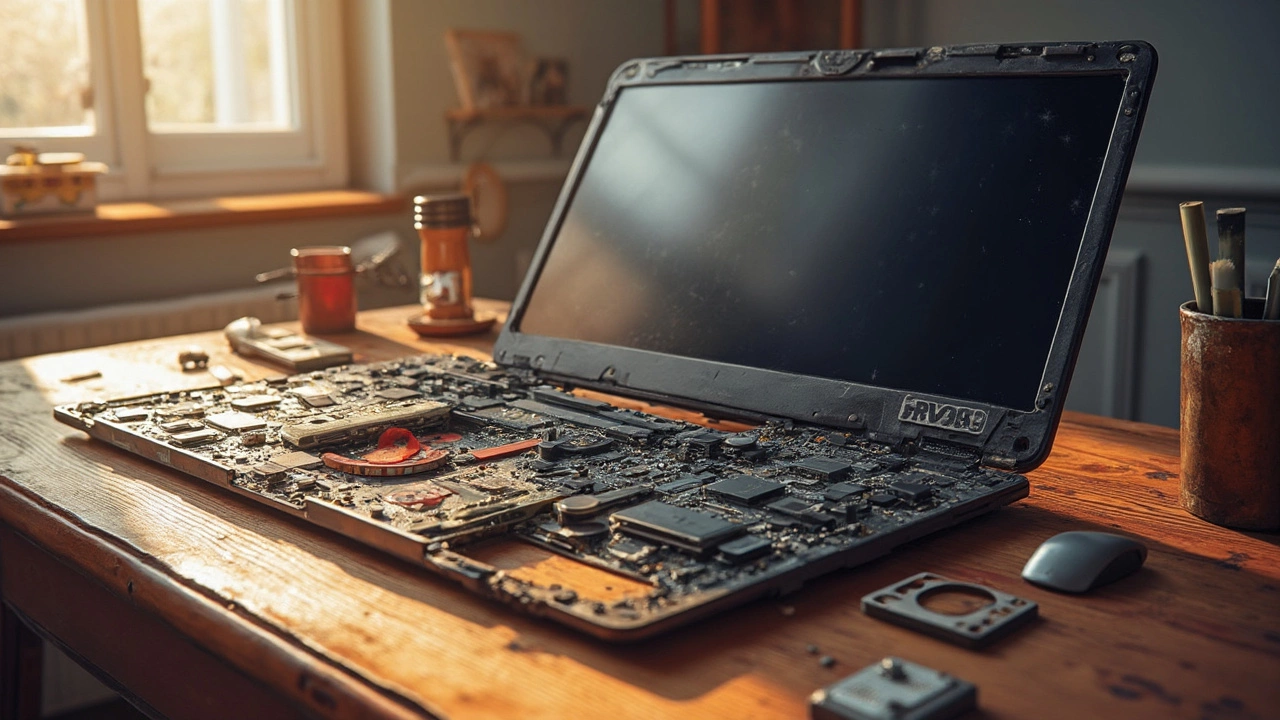
Fixing a laptop can often be a costly affair, with some components surprisingly pricey to replace. This article explores which part of a laptop typically incurs the highest repair costs and why. We dive into details like the high expense of screen and motherboard repairs, offering insights into why these parts hit the wallet hardest. Gain practical advice on maintaining your laptop to avoid these hefty bills in the first place, and discover some curious facts about common laptop repairs.

Wondering if that decade-old laptop should stick around or be kicked to the curb? This article dives into the practicality, challenges, and potential of keeping a 10-year-old laptop. With tips on upgrading components, performance tweaks, and sustainability, you'll discover whether holding on to an old device is a wise choice. Including pros and cons, this guide offers straightforward advice for the tech-savvy and beginners alike. Explore the balance between nostalgia and functionality in the ever-evolving world of technology.

Repairing an aging laptop can be a tricky decision. This article explores whether it's still worth investing in a 7-year-old device. We'll consider factors like performance, cost, potential upgrades, and environmental impact. Dive in to learn about the practical and sentimental value of maintaining your trusty laptop.

Deciding whether to repair or replace a laptop can be challenging. This guide explores the costs, benefits, and considerations involved in repairing a laptop. Learn when it's worth diving into a repair and when it's best to shop for a new device, along with tips on DIY repairs and choosing a reliable repair service.

Wondering if your oven can hit the 20-year mark? This article digs into what really decides how long an electric oven lasts, from the make to how you treat it. Get real tips to keep yours running strong, spot early signs of trouble, and find out when repair is smarter than replacement. No fluff—just straight answers for anyone looking to save money and avoid surprise oven breakdowns. This is your guide to squeezing every last year out of your electric oven.

Looking for the right person to service your boiler? Here’s what you need to know about boiler service, finding qualified engineers, costs, and why it matters in 2025.
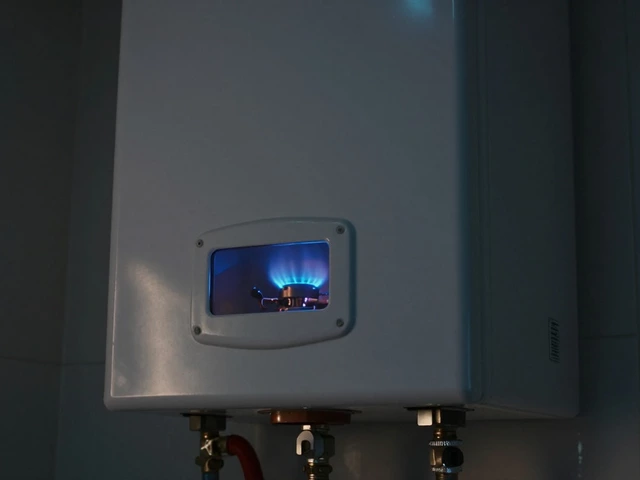
Discover why your hot water stopped working. From pilot lights to thermostats, learn the most common causes of no hot water and how to fix them yourself.

Can you replace an electric hob element? Absolutely! This hands-on guide dives into safe, practical steps for swapping out faulty burners and keeping your electric hob in top shape.
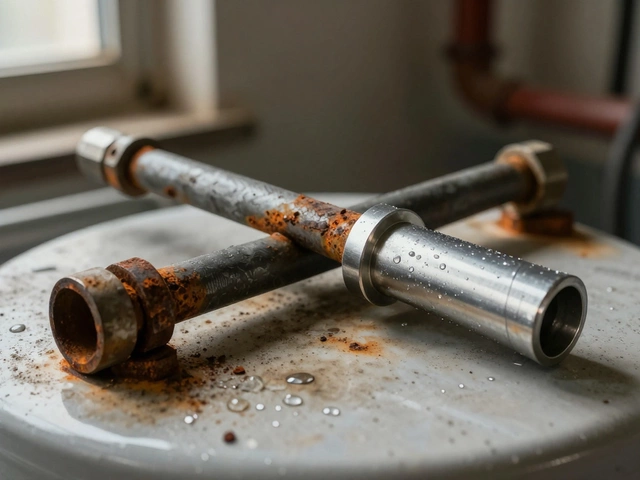
Replace your water heater's anode rod every 1-2 years in hard water areas to prevent tank corrosion. A simple £20 part can save you hundreds in repairs.