


Laptop Repair Decision & Readiness Tool
1. Repair vs. Replace Calculator
Is it worth fixing your device?
2. Pre-Visit Data Security Check
Protect your privacy before dropping off
Handing over your laptop feels like giving away a piece of your brain. You’ve got work files, family photos, passwords, and maybe some embarrassing browser history all sitting on that drive. So when the screen cracks or the battery dies, the first thought isn’t “how do I fix this?” It’s “will someone steal my data?” The short answer is yes, it is generally safe, but only if you know what you’re doing before you walk in the door.
Data privacy is the biggest concern for most people, yet it’s also the easiest thing to control. Unlike sending your phone to a carrier store where technicians often just swap parts, independent repair shops have varying levels of digital hygiene. Some are meticulous; others treat your hard drive like an open book. Understanding the difference between a trusted local technician and a risky mail-in service can save you from headaches down the line.
Understanding the Real Risks
Before we jump into solutions, let’s look at what actually goes wrong. In a recent survey of UK consumers, nearly 40% admitted they had never backed up their laptop before sending it for repair. That’s a massive gap. The main threats fall into three categories: accidental data loss, intentional snooping, and warranty voiding.
Accidental data loss happens more often than you’d think. If a technician needs to replace the motherboard, they might accidentally disconnect the storage drive. If they forget to reconnect it properly, or if the drive gets dropped during handling, your files could vanish. Intentional snooping is rarer but more personal. An unscrupulous technician with nothing better to do might browse through your emails or download your photo library. Finally, there’s the warranty trap. If you open your laptop yourself or use a non-approved part, you might lose manufacturer coverage, leaving you paying full price for future issues.
Pre-Visit Checklist: Protect Your Data
You don’t need to be a tech expert to protect yourself. Just follow these four steps before you leave your house:
- Back up everything. Use an external hard drive or cloud storage. Don’t rely on the laptop’s internal drive as your only backup. If the shop loses your data, you want a copy somewhere else.
- Log out of all accounts. This includes email, banking apps, and social media. If the laptop has auto-login enabled, disable it. You don’t want anyone walking into your Gmail while the machine is on the bench.
- Encrypt your drive. On Windows, use BitLocker. On Mac, use FileVault. Encryption scrambles your data so even if someone plugs the drive into another computer, they can’t read it without your password. It’s not foolproof, but it raises the barrier significantly.
- Remove physical valuables. Take out any USB drives, SD cards, or dongles. These small items are easy to lose or misplace in a busy workshop.
If you’re using a business laptop, check with your IT department first. Many companies have strict policies about third-party repairs. Ignoring them could mean you’re personally liable for any data breaches.
Choosing the Right Repair Shop
Not all repair shops are created equal. Here’s how to vet them quickly:
- Check for certifications. Look for technicians certified by major brands like Apple, Dell, or HP. These certifications mean they’ve undergone training on specific hardware models.
- Read recent reviews. Focus on comments about communication and data handling. Phrases like “they called me every step” or “no surprise charges” are good signs.
- Ask about their process. Call ahead and ask: “Do you back up our data before starting work?” or “Can we watch the repair?” If they hesitate, that’s a red flag.
- Compare prices. Get quotes from at least two shops. If one is drastically cheaper, ask why. Cheap labor sometimes means less attention to detail.
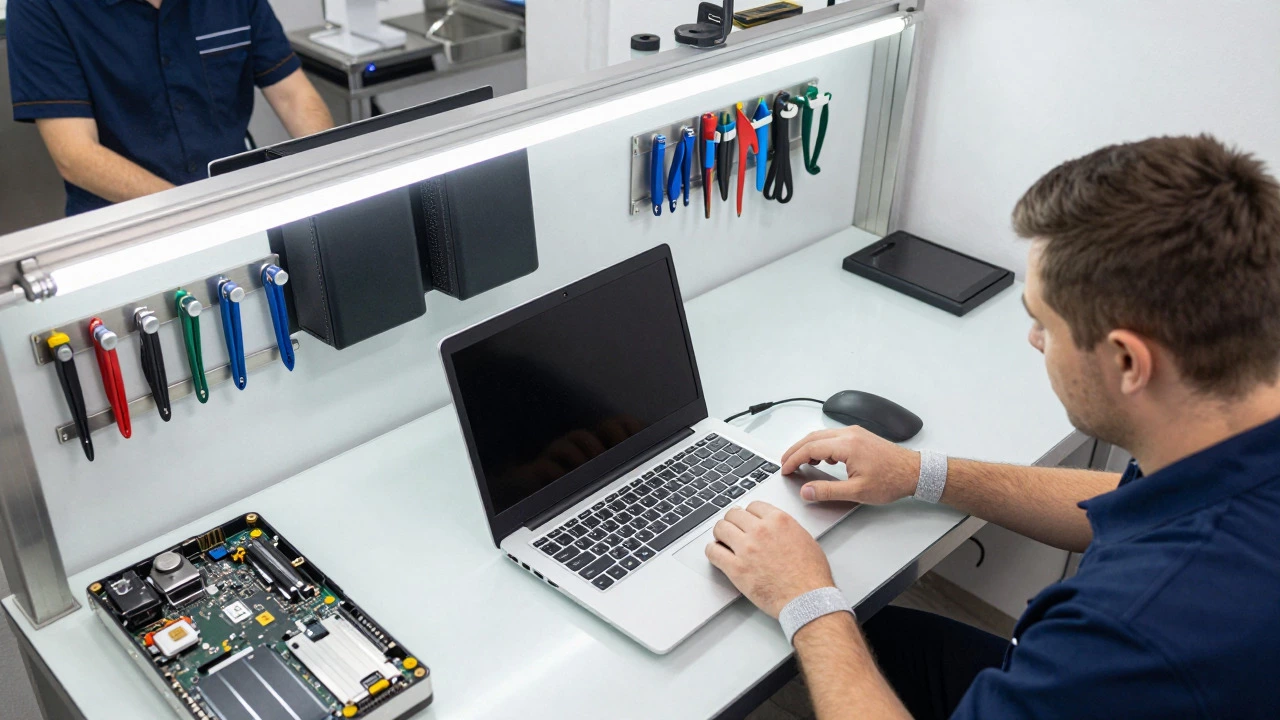
In Bristol, for example, many independent shops offer transparent pricing and allow customers to observe the repair. This transparency builds trust and reduces anxiety. If a shop refuses to let you see the work, consider walking away.
Warranty Considerations
Your laptop’s warranty status changes everything. If your device is still under manufacturer warranty, always go to an authorized service center. Using an independent shop might void your coverage, especially if the issue is covered (like a faulty battery or screen).
Once the warranty expires, you have more freedom. Independent shops often charge 30-50% less than authorized centers because they use compatible rather than genuine parts. For older laptops, this savings can be significant. Just make sure you understand what “compatible” means. A compatible SSD works fine for speed, but a compatible keyboard might feel different or wear out faster.
| Factor | Authorized Service Center | Independent Local Shop |
|---|---|---|
| Cost | Higher (uses genuine parts) | Lower (uses compatible parts) |
| Warranty Impact | Maintains manufacturer warranty | May void warranty if applicable |
| Data Privacy | Strict protocols, often encrypted | Varies by shop; ask questions |
| Turnaround Time | Often slower due to parts shipping | Faster if parts are in stock |
| Best For | Newer laptops under warranty | Older laptops or out-of-warranty devices |
What to Expect During the Repair
When you drop off your laptop, you should receive a written estimate. This document should list the diagnosed problem, the proposed solution, the cost, and the expected timeline. Keep a copy. If the shop finds additional issues (like a failing hard drive), they should call you before proceeding. No surprises.
Most minor repairs-screen replacements, battery swaps, keyboard fixes-take 1-3 days. Major issues like motherboard failures can take longer if parts need to be ordered. Ask for a daily update if the job takes more than a week. A good technician will keep you informed without being pushy.
When you pick up your laptop, test it thoroughly. Check the screen for dead pixels, test the keyboard keys, verify the Wi-Fi connection, and ensure all ports work. If something seems off, bring it back immediately. Most reputable shops offer a 90-day warranty on their labor, which covers any new issues that arise from their work.

Common Myths About Laptop Repairs
Let’s clear up a few misconceptions:
- “If it’s under warranty, I must use the manufacturer.” True for keeping warranty valid, but false for necessity. If the warranty is expired, you can go anywhere.
- “Independent shops use cheap junk parts.” Not necessarily. Many use high-quality OEM (Original Equipment Manufacturer) parts that are identical to genuine ones but sold through different channels.
- “Data loss is inevitable.” Rarely. With proper backups and encryption, the risk drops to near zero.
- “Repairing is always cheaper than replacing.” Depends on the laptop’s age and value. If the repair costs more than 50% of the laptop’s current market value, replacement might be smarter.
When to Skip the Shop Entirely
Sometimes, the best repair is no repair. If your laptop is five years old or more, and the issue is a cracked screen costing £150+, consider buying a new device. The same applies if the motherboard fails and the part costs £200+. At that point, you’re investing in an aging machine that may fail again soon.
However, if the issue is simple-like a dead battery or a stuck key-it’s almost always worth fixing. These repairs extend the life of your device by years and save money in the long run.
How much does it cost to repair a laptop in the UK?
Minor repairs like battery replacements typically cost between £80 and £150. Screen repairs range from £100 to £300 depending on the size and type of display. Motherboard repairs can exceed £200. Always get a written quote before authorizing work.
Should I wipe my laptop before taking it for repair?
You don’t need to wipe it completely, but you should back up all important data. Wiping the drive is only necessary if you’re selling the laptop or if the shop requires it for diagnostic purposes. For standard repairs, backing up and encrypting is sufficient.
Will using an independent shop void my warranty?
Yes, if the laptop is still under manufacturer warranty. Using an unauthorized technician can void your coverage for that specific issue and potentially other components. Always check your warranty terms before choosing a repair provider.
How long does a typical laptop repair take?
Simple fixes like battery or keyboard replacements usually take 1-2 days. Screen repairs may take 2-3 days. Complex issues involving motherboards or water damage can take up to a week if parts need to be ordered.
What should I do if the shop loses my data?
First, check your backup. If you didn’t back up, contact the shop immediately and request a formal complaint. Reputable shops carry liability insurance that covers data loss. If they refuse to help, consider small claims court for amounts under £10,000.