

Ever hit the reset button on a water heater or a dishwasher and wonder why it keeps happening? You’re not alone. A reset is usually a safety signal that something isn’t right, and ignoring it can lead to bigger headaches. Below you’ll find straight‑forward steps to diagnose and fix the most common reset problems, plus tips on when it’s time to call an expert.
Most modern appliances have built‑in sensors that shut them down when they detect overheating, a short circuit, or a pressure build‑up. The reset button clears the error code so the unit can try to start again. If the underlying issue isn’t fixed, the appliance will reset over and over.
Typical triggers include:
Knowing the cause helps you target the fix instead of just pressing reset over and over.
1. Turn it off and unplug. Safety first. Give the appliance a minute to cool down and reset its internal computer.
2. Check the obvious. Look for obvious blockages – a dirty extractor fan, a clogged fridge coil, or a dishwasher filter full of food bits. Clean them with a damp cloth or a soft brush.
3. Reset the circuit. For electric water heaters, locate the reset button (usually a red button near the thermostat). Press it firmly; you should hear a click. If it trips again within a few minutes, there’s likely a deeper issue.
4. Inspect wiring. Loose or corroded wires cause intermittent faults. If you’re comfortable, remove the panel and tighten any loose screws. Look for burnt spots – those need a professional’s eye.
5. Test the thermostat. Many ovens and heat pumps won’t run if the thermostat reads too high. Use a multimeter (or ask a friend who has one) to see if the reading matches the spec in the manual. Replace if needed.
6. Flush the water heater. Scale builds up inside the tank, causing overheating and frequent resets. Drain a few gallons, refill, and run a short cycle. This can add years to the heater’s life.
7. Run a diagnostic. Some appliances let you pull a diagnostic code by holding the reset button for a few seconds. Check the manual for the code meaning – it can point you straight to the faulty part.
If after these steps the reset still won’t stay off, it’s a sign the component is failing. Continuing to reset can damage the appliance and waste energy.
When to call a pro
Professional technicians can check internal sensors, replace faulty components, and safely reset the system. For Bognor Regis residents, Bognor Regis Appliance Repair Experts can diagnose and fix any reset issue quickly.
Remember, a reset is a warning, not a solution. By cleaning filters, checking wiring, and flushing tanks you’ll stop most resets before they become a cost‑lier repair. Keep this guide handy, and you’ll feel confident tackling that pesky reset button the next time it pops up.
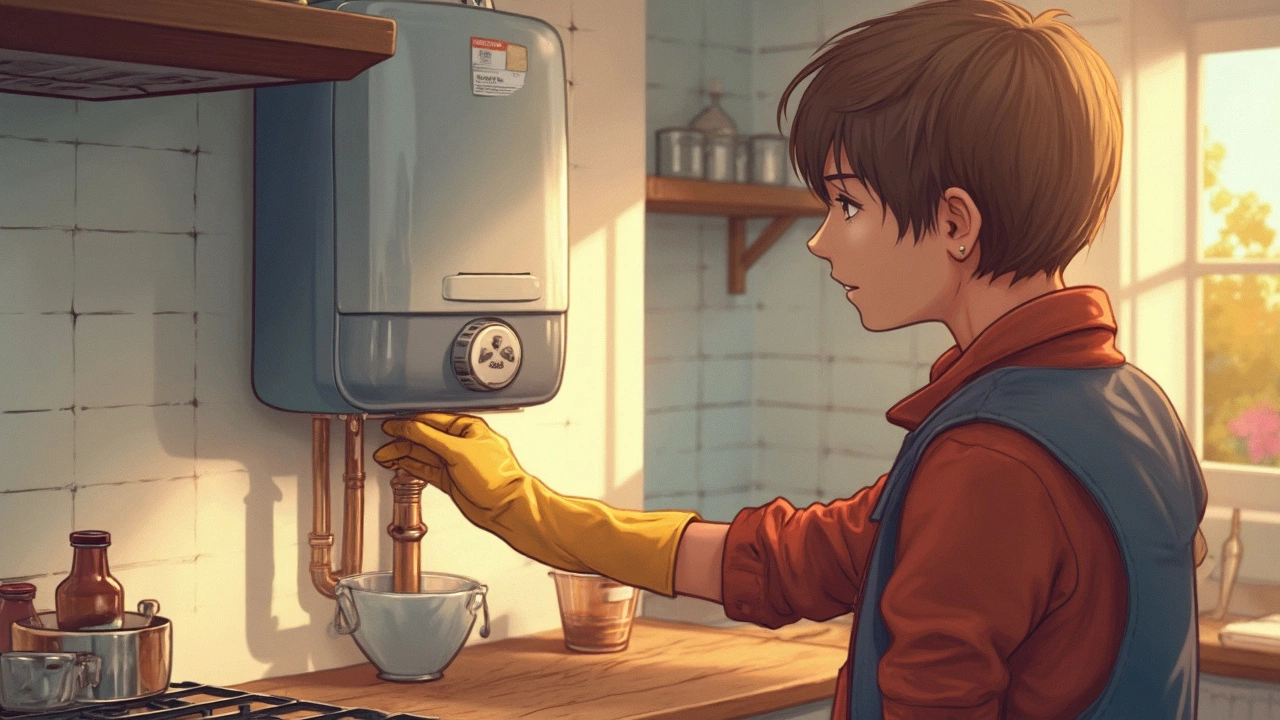
Resetting a water heater might seem simple, but it involves precaution. This article delves into when and why a reset might be necessary and explores the safety considerations involved. Learn about common signs that indicate a reset is due and the correct way to carry out this task. Discover the underlying causes of water heater issues to prevent future resets.
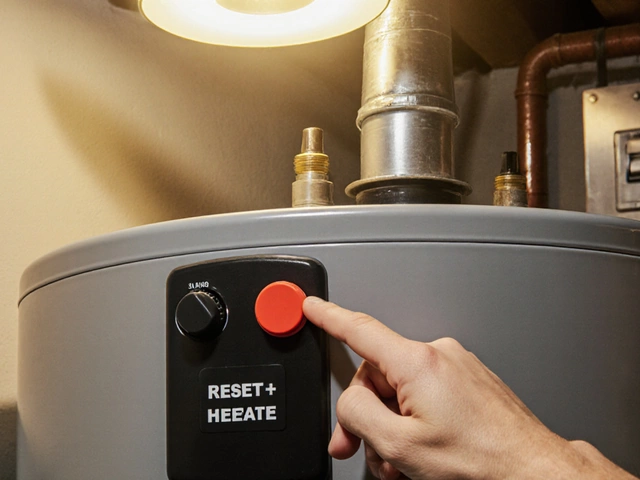
Learn how to safely reset both electric and gas hot water heaters, troubleshoot common issues, and know when to call a professional.

Electric ovens are handy, but they're not immune to problems. This article breaks down the most common faults people face, from ovens not heating properly to strange noises and error codes. You’ll get real tips on troubleshooting and signs when it’s time to call in the pros. Save time (and maybe some frustration) by knowing what to look out for. Find out why your oven might let you down and how to deal with it.
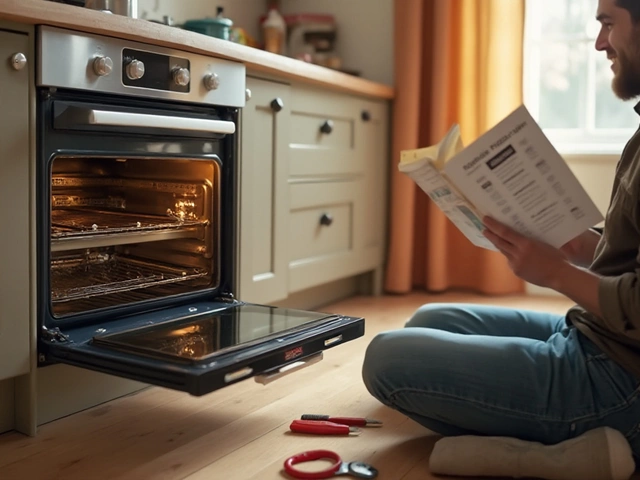
If your electric oven isn't heating properly, it might be time to replace the heating element. Understanding the costs and what's involved in the repair process can help you make informed decisions. This article dives into the factors affecting replacement costs, step-by-step guidance on how to change the element, and practical tips to ensure your oven runs smoothly. With these insights, you can tackle the repair yourself or hire the right professional for the job.

Discover how much boiler service costs in 2025, what affects the price, what's included, and tips to save money while keeping your heating safe and reliable.
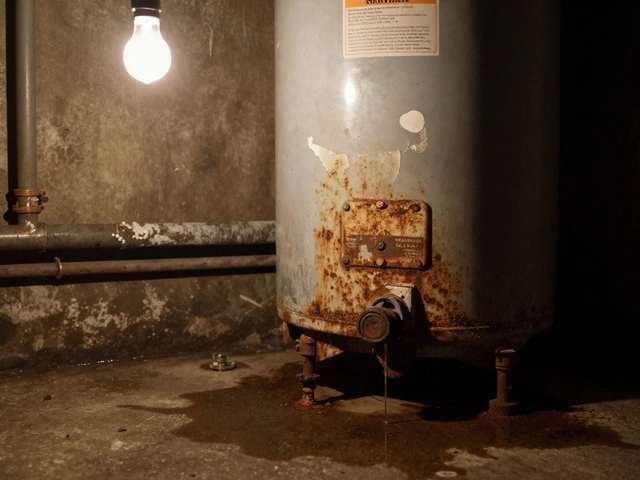
A 20-year-old water heater is likely inefficient, unsafe, and prone to sudden failure. Repairing it may seem cheaper, but replacement saves money, energy, and prevents costly water damage. Here’s what you need to know before deciding.