

Ever put a plate in the microwave and watch it spin forever without heating? Or hear a loud buzz that makes you wonder if it’s about to explode? You’re not alone. Most kitchen microwaves develop a few predictable hiccups, and many of them can be sorted out without calling a technician. In this guide we’ll walk through the biggest culprits, why they happen, and what you can do yourself in just a few minutes.
First up, the microwave not heating. The usual suspects are a failed magnetron, a tripped door switch, or a blown fuse. The magnetron is the heart that creates the microwaves, so if it’s dead the oven still runs but gives you cold food. A door switch that doesn’t click properly will also shut off the heating as a safety measure. Next, strange noises – a humming, clicking, or rattling often means the turntable motor is loose, the fan blades are dirty, or something inside the cavity is hitting the walls. Finally, error codes on the display are the microwave’s way of telling you it’s confused; most codes point to a temperature sensor, a control board glitch, or a power surge.
Start with the easy stuff. Unplug the unit, wait a minute, then plug it back in – a quick reset can clear a temporary glitch. Check the door latch; make sure it closes firmly and the latch pin isn’t bent. If the microwave still won’t heat, locate the fuse (usually a small glass tube near the power cord) and replace it with the same amperage. For a noisy turntable, pull it out, clean any food debris, and tighten the roller guide. If the motor sounds gritty, give the motor shaft a few drops of lightweight oil and spin it by hand – it should move smoothly.
When the magnetron is the problem, you’ll need a new part and a bit more confidence. Disconnect power, remove the outer cabinet, and locate the metal box with two thick wires – that’s the magnetron. Swap it with an exact match (same wattage and size) and re‑assemble. If you see a burnt smell or visible damage on the magnetron, it’s definitely the culprit. For error codes, refer to the microwave’s manual; most brands list what each code means. Often you can reset the code by holding the “Start” button for 5 seconds or by unplugging the unit for a couple of minutes.
Know when to stop. If you’ve checked the fuse, door switch, and cleaned the interior but the microwave still won’t heat, it’s time to call a professional. Magnetron replacements involve high voltage components that can be dangerous if mishandled. Also, if the control board is flashing error codes repeatedly, a trained technician can diagnose the fault safely. Trust your gut – if anything feels risky, let a qualified repair service take over.
Keeping your microwave in top shape is mostly about regular cleaning and avoiding metal inside. Wipe down the interior after each use, clean the turntable and rollers, and never heat sealed containers. A quick monthly check of the door latch and fuse can catch issues before they turn into costly repairs. With these tips, you’ll spend less time staring at a cold plate and more time enjoying hot leftovers.
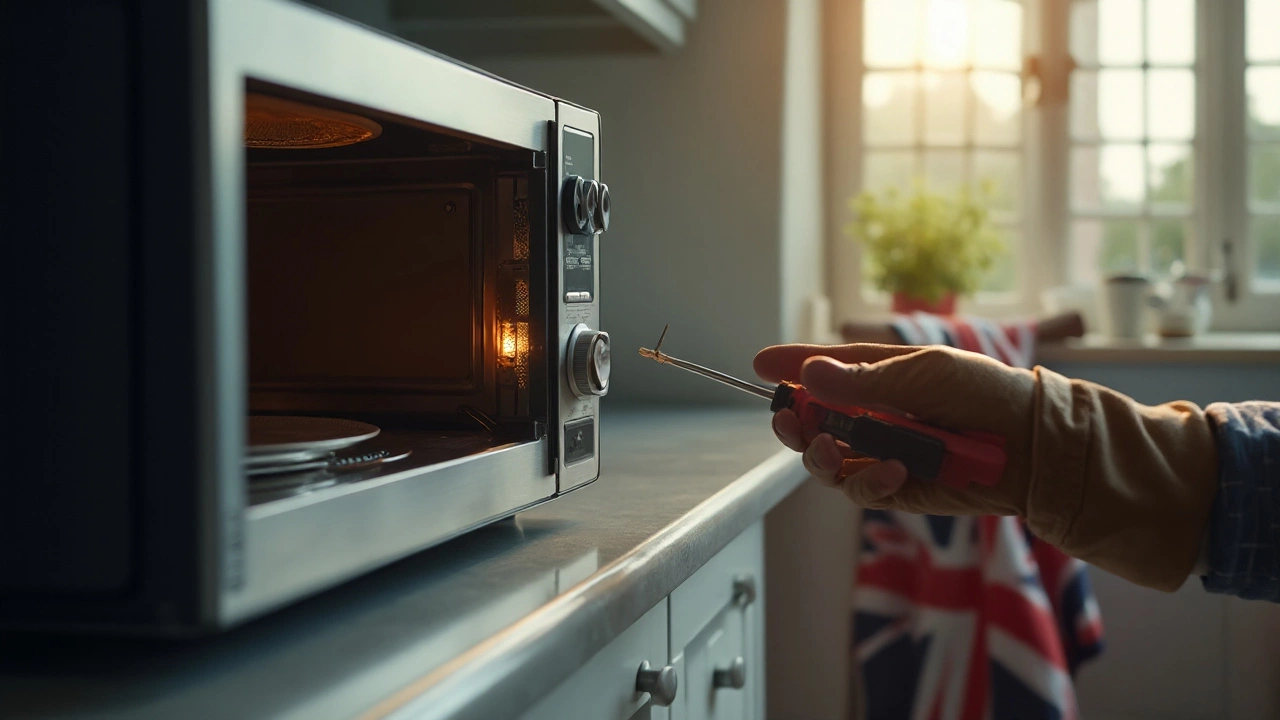
Learn fast how to spot a blown microwave fuse, test it safely, and replace it yourself. Step‑by‑step instructions, tools needed, and common pitfalls covered.

Wondering if you can fix your microwave at home instead of tossing it and buying a new one? This article breaks down common microwave problems, what you can safely handle, and when it's better to call a pro. Get practical tips that actually make a difference, plus real talk about microwave safety. Save yourself time, money, and stress with easy-to-follow advice. Tackling your appliance repair just got a whole lot simpler.

Repairing an aging laptop can be a tricky decision. This article explores whether it's still worth investing in a 7-year-old device. We'll consider factors like performance, cost, potential upgrades, and environmental impact. Dive in to learn about the practical and sentimental value of maintaining your trusty laptop.
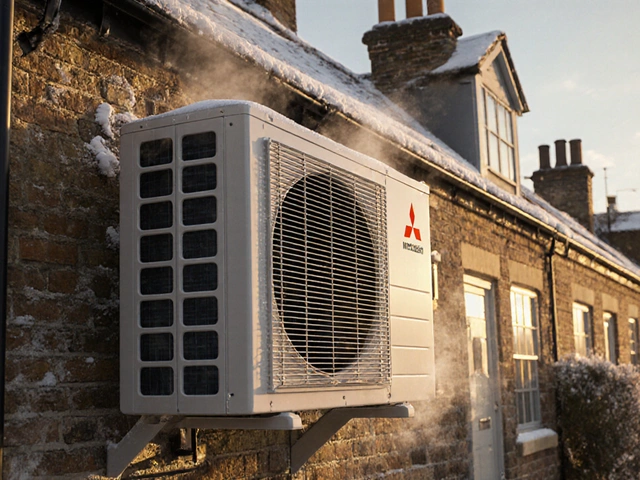
Discover the most reliable heat pump brands for UK homes in 2025, based on real repair data, warranty claims, and installer feedback. Avoid costly mistakes by choosing wisely.
Wondering if fixing your tumble dryer makes sense? This article dives into crucial considerations like repair costs, common issues, and when to replace. Avoid costly mistakes by learning signs that scream 'repair!' or 'replace!' Smart tips help you make the right decision for your dryer woes.
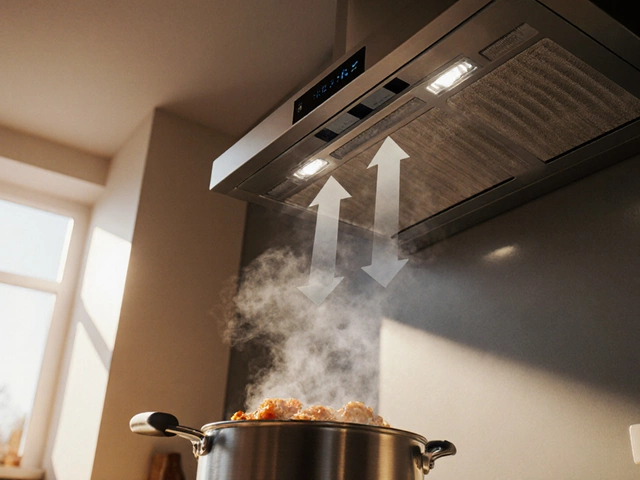
Find out if leaving your extractor fan on is safe, how much energy it uses, and the best practices to protect your home while keeping the kitchen fresh.

Discover the workings of a hob, a crucial kitchen fixture that often gets overlooked until it malfunctions. Learn the common issues that can affect its performance and get handy tips on basic repairs and maintenance. Whether you're dealing with burner problems or electrical faults, this guide provides practical advice to keep your hob in top shape. Understand the typical lifespan of these appliances and how to extend it through regular care.