

If your microwave hums but never heats, flashes error codes, or just won’t turn on, you’re probably wondering what’s wrong and if you can fix it yourself. The good news is many issues are easy to spot and solve. The not‑so‑good news is that some problems need a qualified technician – especially if you live in Bognor Regis and want the job done right the first time.
First, let’s run through the usual suspects. A microwave can stop heating for several reasons:
Knowing which of these is likely helps you decide whether a DIY check will do the trick.
Before you pick up the phone, try these quick steps:
If any of these steps solve the problem, great! You’ve saved a service call. If not, it’s time to consider professional help.
Microwaves contain high‑voltage components that can store a dangerous charge even when unplugged. Trying to replace a magnetron or control board without proper training is risky. That’s where Bognor Regis Appliance Repair Experts come in. Our technicians know the safety procedures, have the right tools, and can get your microwave back to full power quickly.
When you call us, we’ll diagnose the fault, give you a clear cost estimate, and fix it on the spot if possible. Whether it’s a simple door switch replacement or a full magnetron swap, we aim to have your kitchen back in action with minimal hassle.
Remember, a microwave that won’t heat isn’t just an inconvenience – it can also be a sign of larger electrical issues. Don’t ignore it, especially if you see sparks, strange smells, or repeated error codes.
Bottom line: do the quick safety checks yourself, but don’t gamble with high‑voltage repairs. If the problem persists, call Bognor Regis Appliance Repair Experts for a fast, reliable service that’ll have your microwave humming again in no time.

Figuring out if your microwave is on its last legs can save you a lot of hassle. There are various signs that might indicate it's time for a fix or a replacement. Understanding these symptoms can help maintain your kitchen's efficiency. Here’s what you need to watch for: strange noises, inconsistent heating, and more. Catch these early, and you might avoid a total breakdown.

Discover how long extractor fans last, what shortens their life, and tips to maximize their lifespan in your kitchen or bathroom. Practical, clear advice from real experience.

Learn how to troubleshoot a broken freezer step-by-step. From checking power sources to diagnosing defrost heaters, this guide helps you save food and money.
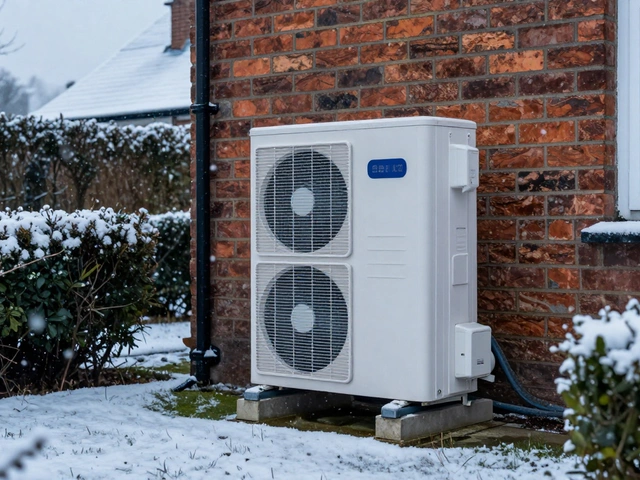
Discover real heat pump repair costs in the UK for 2026. Learn which faults are expensive, how maintenance saves money, and when to replace vs repair your system.
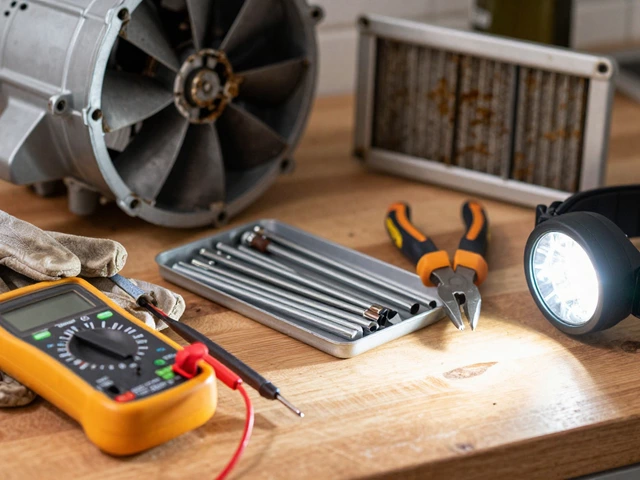
Learn how to replace a kitchen extractor fan motor safely. This step-by-step guide covers diagnosis, tool preparation, removal, and installation tips for DIY enthusiasts.
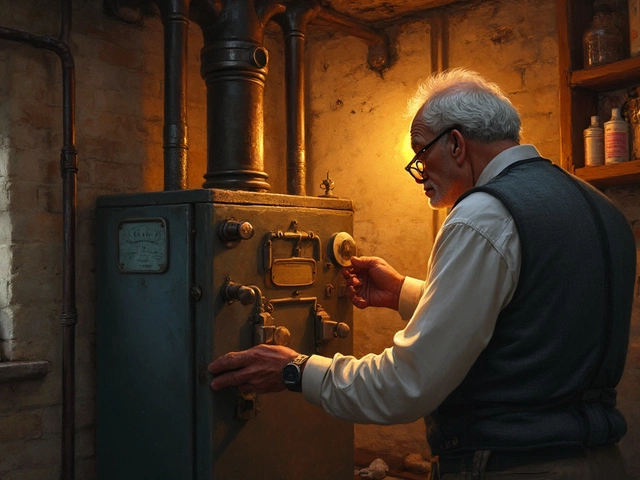
Boiler lifespan can vary greatly depending on usage, maintenance, and type. On average, boilers last anywhere from 10 to 15 years. Regular maintenance is key to prolonging the life of your boiler and ensuring it functions efficiently. In this article, discover how to keep your boiler in top shape and when it might be time to replace it.