

When your extractor fan, a ventilation device used in kitchens and bathrooms to remove steam, smoke, and odors. Also known as extraction fan, it's a small but vital part of your home’s air quality system. stops pulling air, it’s not just annoying—it can lead to mold, lingering smells, and even damp walls. Most extractor fans fail for one of three reasons: the motor burns out, the capacitor dies, or the fan blades get clogged with grease and dust. It’s rarely a wiring issue unless you’ve recently done work near the unit.
The motor, the core component that spins the fan blades is the most common culprit. If you hear a hum but no airflow, the motor’s seized or overheated. A capacitor, a small component that gives the motor its initial kick to start spinning can also fail silently—no noise, no movement. Both are cheap to replace, often under £20, and easy for a handy homeowner to swap. Then there’s the grease filter, the removable mesh that catches cooking residue before it reaches the fan. If it’s been a year since you last cleaned it, you’re basically running the fan through a clogged straw. Clean it monthly. Replace it if it’s warped or cracked.
Don’t assume you need a full replacement. Most extractor fans last 10–15 years, and even older units can be revived with a new motor or capacitor. You’ll save hundreds compared to buying a new unit and paying for installation. Check the model number on the back—many parts are universal across brands like Zephyr, Extract, and Vent-Axia. If your fan is wired into the lighting circuit, make sure the switch isn’t faulty too. A broken pull cord or wall switch can look just like a dead fan.
What you’ll find below are real fixes from people who’ve been there. No fluff. No guesswork. Just the most common reasons your extractor fan stopped working, what to check first, and how to fix it without calling a pro. Some fixes take 10 minutes. Others need a bit more time—but they all save money. Let’s get your kitchen breathing again.
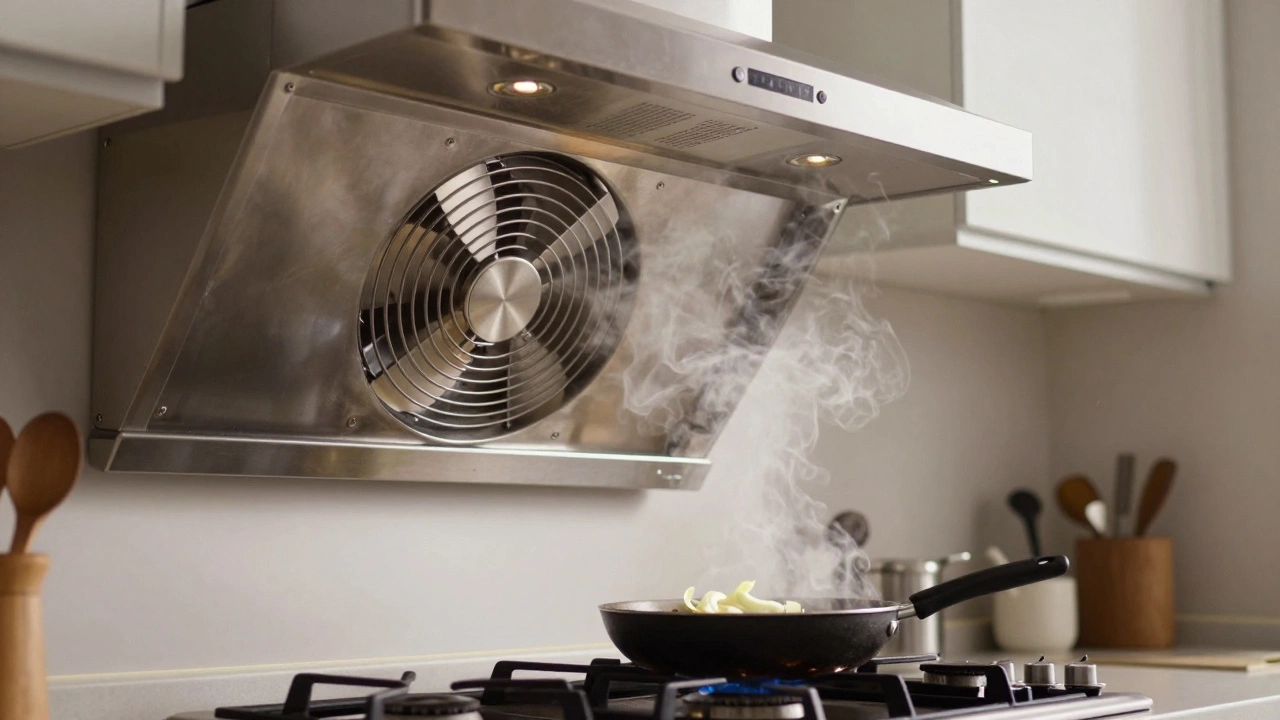
Discover why kitchen extractor fans stop working and how to fix them. From clogged filters to motor failures, learn practical troubleshooting steps to restore airflow and avoid costly repairs.
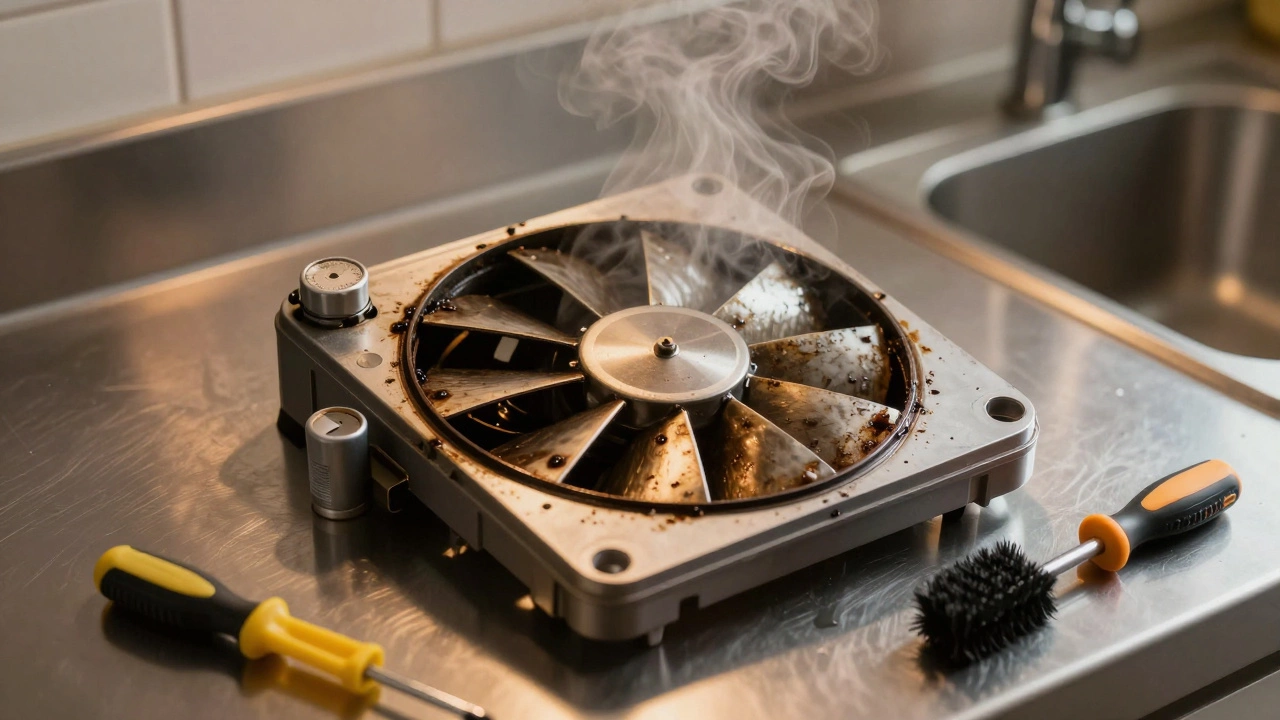
Most extractor fans can be repaired with simple fixes like cleaning, capacitor replacement, or tightening parts. Learn when DIY works and when to call a pro to avoid costly damage from damp and mold.
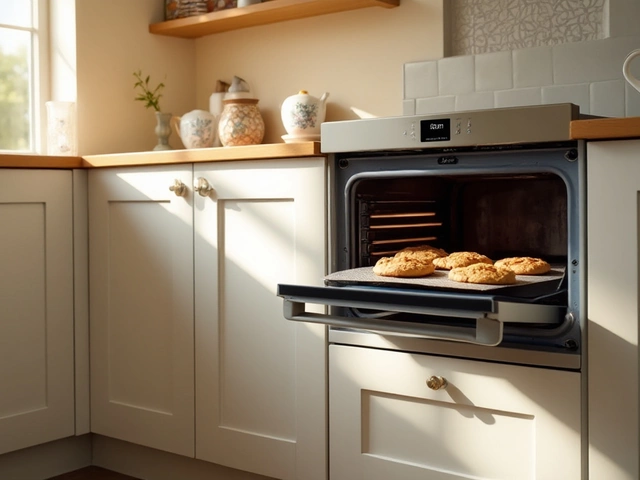
An electric oven is a staple in most kitchens, used for everything from baking cookies to roasting savory meals. Knowing how long an electric oven is expected to last can help homeowners budget and plan for replacement or repairs. This article explores the average lifespan of electric ovens, factors influencing their durability, and tips on maintenance to extend the life of the appliance. Understanding these aspects will aid in maximizing the utility and performance of your oven.

Cookers are an essential part of any kitchen, and knowing their average lifespan can help in planning for replacements and repairs. On average, cookers last between 10 to 15 years depending on several factors like usage, maintenance, and brand quality. Regular maintenance and timely repairs can extend the life of your cooker significantly. Understanding the warning signs of wear and tear and knowing when to repair or replace can save both time and money. This article will dive into expert tips to maximize the life of your cooker.

Explore the practical steps in diagnosing and fixing common issues with kitchen extractor fans. Learn about the signs your fan might need repair, and gather essential maintenance tips to extend its life. Whether you're a DIY enthusiast or considering professional help, this guide provides valuable insights for restoring your kitchen ventilation system to optimal performance. Discover how regular upkeep can prevent costly replacements.
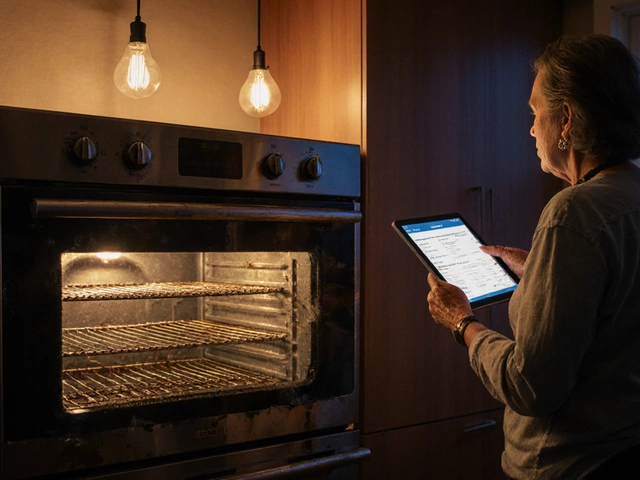
Find out when fixing a 15‑year‑old oven makes sense, compare repair costs with buying new, and learn safety, energy and environmental factors to help you decide.
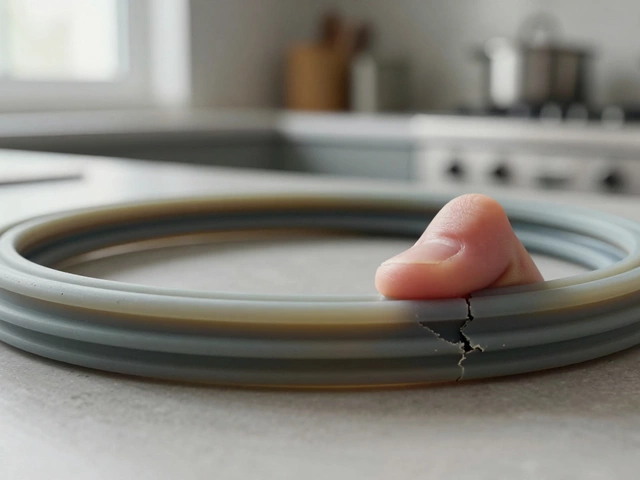
The most common pressure cooker problems are leaking steam, bad seals, clogged valves, and lid issues. Learn how to diagnose and fix them yourself before replacing your cooker.