

If your extractor fan is humming, rattling, or just won’t turn on, you don’t have to call a pro straight away. Most fans are built so a homeowner can tackle the problem with a few tools and a bit of patience. In this guide we cover the basics – safety, tools, and a step‑by‑step repair plan – so you can get your kitchen breathing easy again.
Before you loosen any screws, turn off the power at the consumer unit. A quick switch off guarantees you won’t get a shock while you’re working. Grab a flat‑head screwdriver, a Phillips head, a utility knife, a soft brush, and a new fan filter if you need one. A voltage tester is handy, but not essential if you’re certain the circuit is dead.
Wear safety glasses and a dust mask – old filters can release a cloud of grease and lint when you pull them out. Having a flashlight or headlamp makes it easier to see inside the cramped hood. Keep a bucket or tray nearby for screws and small parts so nothing rolls under the cabinets.
1. Check the filter. Most fans stop working because the filter is clogged. Remove it, give it a good shake or replace it if it’s worn out. A clean filter restores airflow in minutes.
2. Inspect the fan motor. With the filter off, look at the motor blades. If they’re coated in grease, wipe them clean with a damp cloth and a bit of degreaser. Spin the blades by hand – they should turn freely. Binding usually means the motor bearings need lubrication or replacement.
3. Test the wiring. Pull the fan housing away from the wall (most are attached with a few clips). Locate the connector plug and unplug it. Use your voltage tester on the live and neutral wires. If there’s no voltage, the problem may be in the switch or the circuit breaker.4. Replace the motor or switch. If the motor is burnt out, you can order a replacement from the fan’s brand website. Swap the old motor with the new one, matching the screw holes and wiring colors. For a faulty switch, remove the switch plate, disconnect the wires, and snap in a new switch of the same rating.
5. Re‑assemble and test. Once everything is snug, plug the fan back in, turn the power on, and flip the switch. The fan should roar back to life. If it still won’t start, double‑check all connections and make sure the filter is correctly seated.
When the repair feels too complex – like a broken motor housing or wiring inside the wall – it’s smart to call a qualified electrician or a specialist in extractor fan repair. Knowing when to stop saves time and keeps you safe.
Regular maintenance makes future DIY fixes easier. Clean the filter every month, wipe the hood after cooking, and give the motor a quick spin check every few months. Following these habits can double the life of your fan and cut down on repair calls.
So next time the fan sputters, grab your screwdriver, follow these steps, and enjoy a quieter, fresher kitchen without waiting for a technician.

Replacing an extractor fan might seem challenging, but with the right tools and some guidance, it can be done efficiently. This guide outlines the process of replacing an extractor fan, from identifying signs it needs replacement to understanding how to choose the right model. Learn practical tips for handling installation and maintaining safety during the project. Make this task more approachable with easy-to-follow steps designed for beginners.

Extractor fans play a pivotal role in maintaining air quality in kitchens and bathrooms by expelling moisture, odors, and smoke. If your extractor fan suddenly stops working, it can lead to persistent humidity or unpleasant smells. This guide provides practical steps for diagnosing and fixing common issues that can cause an extractor fan to malfunction. From checking power supply and fuses to cleaning and replacing parts, understanding the intricacies can save you time and money. By following these steps, you can restore your extractor fan’s functionality and maintain a comfortable home environment.
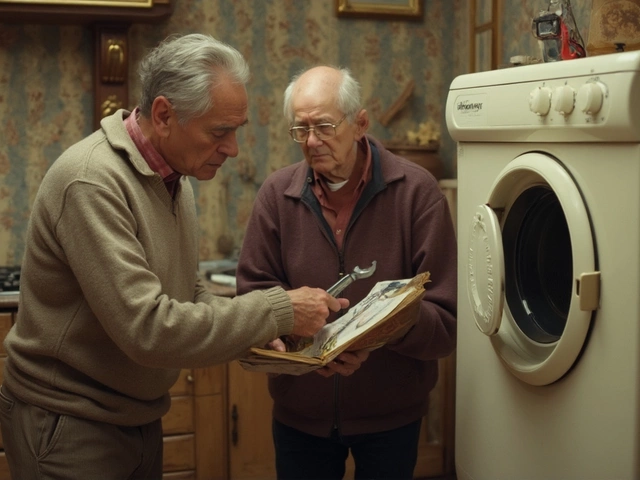
Wondering if fixing your tumble dryer makes sense? This article dives into crucial considerations like repair costs, common issues, and when to replace. Avoid costly mistakes by learning signs that scream 'repair!' or 'replace!' Smart tips help you make the right decision for your dryer woes.
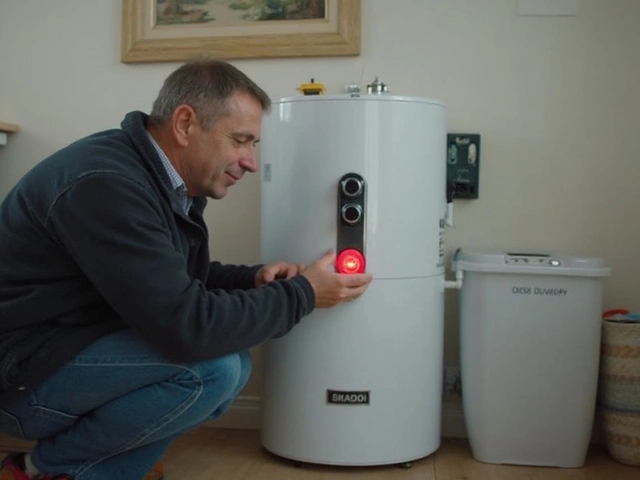
Ever wondered why you end up pushing that red reset button on your water heater over and over? This article digs into exactly what the reset button does, why it keeps tripping, and what can go wrong if you keep hitting it. Get clear answers about hidden water heater issues and learn simple steps to protect your system—and your wallet. We’ll walk you through warning signs, smart troubleshooting tips, and when it’s time to call a pro. No tech jargon, just straight talk for anyone tired of cold showers.

If your freezer isn't doing its one job—keeping things cold—you're in a pickle. But before you start shopping for a new one, there are a few things you might try to get it back to work. From checking the power source to cleaning coils, fixing cooling problems can often be simple and straightforward. Let's explore some potential solutions to get your freezer chilling again.
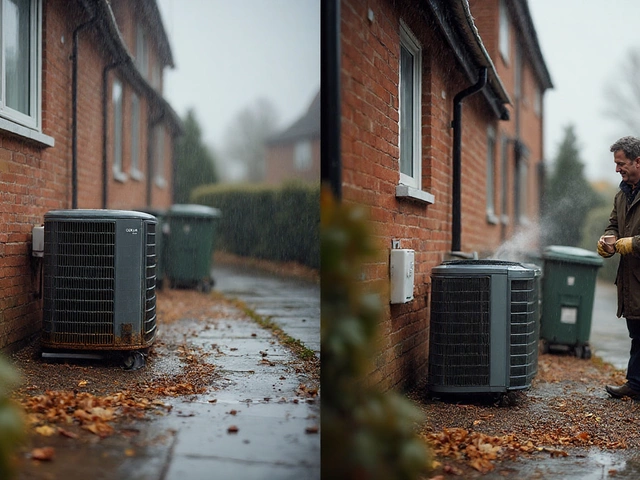
Real UK lifespan for air vs ground source heat pumps, what shortens or extends life, maintenance steps, and a simple repair-or-replace guide you can actually use.