

Got a laptop screen that’s cracked, shows weird lines, or flickers like a cheap TV? You’re not alone. Most people think they need a brand‑new laptop, but a lot of screen woes can be solved at home or with a cheap professional fix. Below you’ll find the tools, safety steps, and a straight‑forward repair guide that will get your display back to normal without breaking the bank.
Before you pop the screen off, gather these basics: a small Phillips #00 screwdriver, a plastic spudger or pry bar, a microfiber cloth, replacement LCD panel (make sure it matches your model), anti‑static wrist strap, and a clean, flat workspace. Safety isn’t optional – unplug the laptop, remove the battery if it’s removable, and ground yourself with the wrist strap. A static discharge can ruin the new panel as easily as a broken screw can ruin the chassis.
1. Remove the bezel. Most modern laptops have a thin rubber or plastic bezel around the screen. Use the spudger to gently lift the edge, working your way around until it pops off. If there are tiny screws hidden under rubber pads, peel them back and unscrew.
2. Unscrew the panel. Look for four to six tiny screws on the back of the LCD. Keep them in a small container so you don’t lose them. Do not force any screw; if it resists, double‑check you’re using the right size driver.
3. Disconnect the video cable. Once the screws are out, the screen will tilt forward. You’ll see a flat‑flex cable (FFC) or a small connector with a latch. Pull the latch up (or gently wiggle the FFC) and pull the connector out. Use the spudger if it’s stubborn.
4. Swap the panel. Align the new LCD with the mounting points, re‑attach the video cable, and secure it with the latch. Place the panel back, screw it in, and snap the bezel back on.
5. Test before you fully re‑assemble. Plug the power back in, turn the laptop on, and check the picture. If you see the same flicker or dead pixels, the issue may be with the inverter, backlight, or motherboard, not the panel.
6. Finish up. Once the display works, tighten all screws, replace any rubber pads, and snap the bezel back into place. Dispose of the old screen responsibly – many electronics retailers accept it for recycling.
If at any point you feel unsure, remember that a professional repair shop can replace the screen for under £100 in most cases. It’s worth calling them if you lack the right tools or if the laptop is still under warranty.
Screen problems are one of the most common repair requests we see, and the good news is they’re usually quick fixes. With the right preparation, you can save time, money, and the hassle of buying a whole new laptop. Just follow the steps, stay safe, and enjoy a crystal‑clear display again.
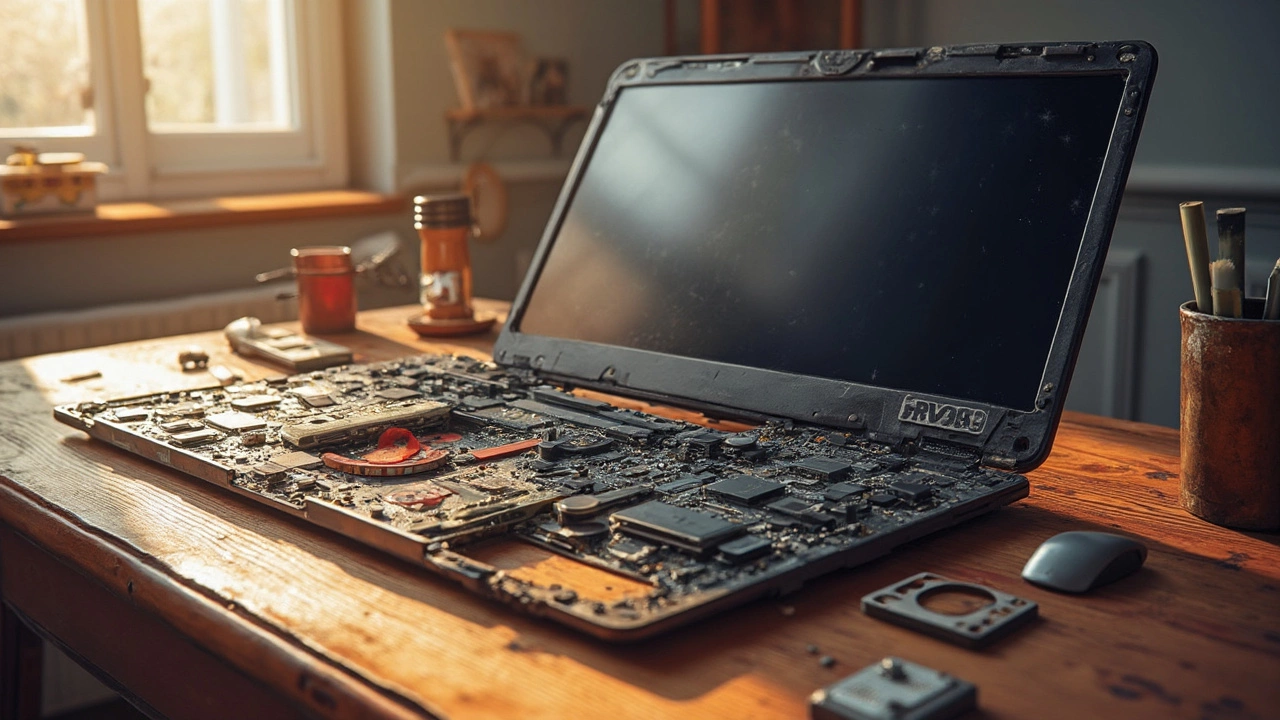
Fixing a laptop can often be a costly affair, with some components surprisingly pricey to replace. This article explores which part of a laptop typically incurs the highest repair costs and why. We dive into details like the high expense of screen and motherboard repairs, offering insights into why these parts hit the wallet hardest. Gain practical advice on maintaining your laptop to avoid these hefty bills in the first place, and discover some curious facts about common laptop repairs.

Learn the warning signs of a failing water heater and get practical tips for repair and maintenance to prevent costly breakdowns and keep your hot water system running safely.

Discover who to call when your bathroom extractor fan starts acting up. This article explores whether to hire a professional electrician or tackle it yourself, highlighting common issues and maintenance tips. You'll also learn why keeping your fan in top shape matters more than you might think.

Deciding whether to repair or replace a laptop can be challenging. This guide explores the costs, benefits, and considerations involved in repairing a laptop. Learn when it's worth diving into a repair and when it's best to shop for a new device, along with tips on DIY repairs and choosing a reliable repair service.

Wondering if fixing your tumble dryer makes sense? This article dives into crucial considerations like repair costs, common issues, and when to replace. Avoid costly mistakes by learning signs that scream 'repair!' or 'replace!' Smart tips help you make the right decision for your dryer woes.
Learn why a toilet is classified as a plumbing fixture, not an appliance, and how this impacts warranties, insurance, and repair choices.