

Fresh air in the kitchen or bathroom isn’t a luxury, it’s a must. When your extractor fan gets noisy, stops working, or just looks worn out, you don’t need to call a pro right away. With the right tools and a bit of patience you can swap the fan yourself in under an hour. This guide walks you through everything you need, step by step.
Before you start, gather a few basic tools: a screwdriver set (Phillips and flat‑head), a drill with a small bit for any screw caps, wire strippers, and a flashlight. You’ll also need a new fan that matches the size and airflow rating of the old one – most residential fans are 100mm or 150mm in diameter. Safety matters, so turn off the electricity at the consumer unit. Double‑check the circuit is dead with a voltage tester; you don’t want a surprise shock while you’re working.
If the fan is in a bathroom, make sure the area is dry and the walls are clean. A damp environment can hide moisture that could affect your new fan’s wiring. Also, keep a fire‑extinguishing blanket nearby just in case you accidentally strip a wire.
1. Remove the old cover. Most fans have a plastic grille held by clips or a few screws. Gently pry the clips apart or unscrew the fasteners, then set the cover aside.
2. Disconnect the wiring. You’ll see two or three wires – usually live (brown), neutral (blue) and sometimes earth (green/yellow). Loosen the terminal screws, note which wire goes where, then pull the connectors off. If the wires are capped, cut the caps off with wire strippers.
3. Unscrew the fan unit. The fan sits on a metal or plastic frame attached to the ceiling or wall. Use the screwdriver to remove the mounting screws, then pull the fan out of the opening. Some models have a quick‑release clip; just press the release and lift.
4. Prepare the new fan. Attach the new fan’s mounting bracket to the existing frame if it’s not pre‑installed. Make sure the fan sits level – an uneven fan can cause vibration and noise.
5. Wire the new fan. Match the live, neutral, and earth wires to the terminals on the new unit. Tighten the screws securely, but don’t over‑tighten – you could strip the screw heads. Wrap each connection with a bit of electrical tape for extra safety.
6. Fit the fan and secure it. Slide the fan back into the opening and align the mounting holes. Re‑insert the screws and tighten them evenly. If the fan came with a rubber gasket, place it now to prevent drafts.
7. Replace the grille. Snap or screw the cover back on. Make sure it clicks into place and there are no gaps.
8. Test the fan. Switch the circuit back on at the consumer unit. Turn the fan on – you should hear a steady hum and feel air moving. If it’s silent or makes a grinding noise, double‑check the wiring and mounting.
That’s it. You’ve just replaced an extractor fan without hiring anyone. Regular cleaning of the grille and checking the fan’s motor will keep it running smoothly for years.
Still not sure if you can do it yourself? The biggest hurdle is the electrical connection; if your wiring looks damaged or you feel unsure, a qualified electrician can finish the job in minutes. Otherwise, enjoy the fresh airflow and the satisfaction of a job well done.

Wondering if you can change your kitchen extractor fan yourself? This guide covers steps, safety, tools, common mistakes, and installation tips for a smooth DIY experience.

Wondering how long you can cope with a broken boiler? Get clear facts, repair timelines, survival tips, and legal details so you don’t get left in the cold.
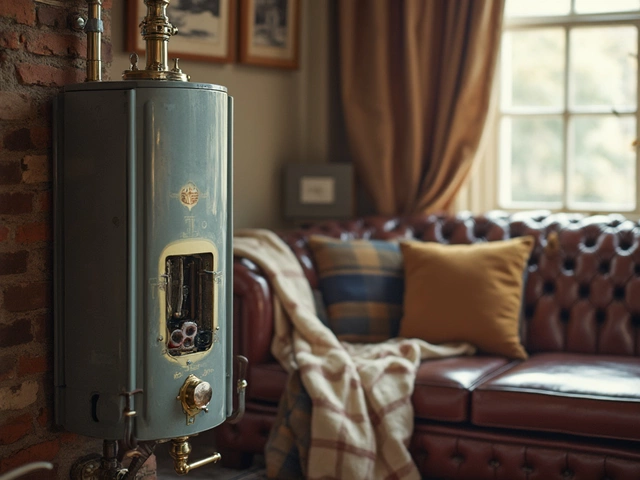
Water heaters don't last forever, so it’s important to know how long yours might stick around. Generally, these devices are built to last about 8 to 12 years, but several factors can influence their longevity. By understanding signs of wear, maintenance tricks, and when it's time to say goodbye to your old model, you can ensure hot showers won't become a thing of the past. Let's break down everything you need to know about your water heater's lifespan.
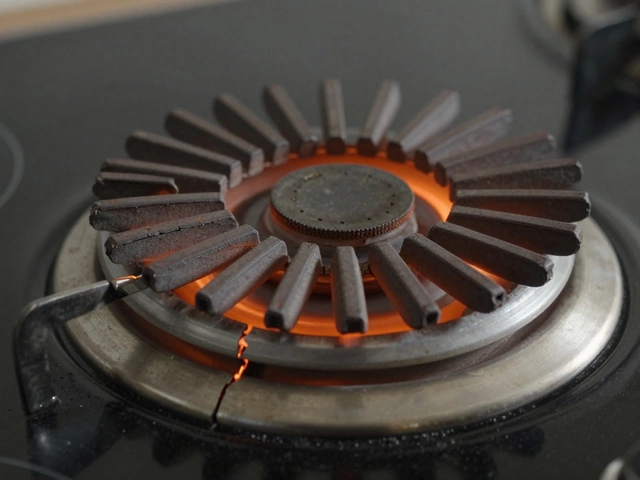
Learn how to tell if your electric stove element is bad with simple visual checks, multimeter tests, and common signs of failure. Save money by diagnosing and replacing it yourself.

When your dryer suddenly stops working or leaves your laundry sopping wet, it’s tough to know what your best next step is. Should you call in a repair service, try a DIY fix, or bite the bullet and shop for a new one? This article breaks down the real costs, tells you what repairs make sense, and gives you actionable tips so you don’t spend more than you have to. It covers which common dryer issues can be fixed on a budget, when to say goodbye to a worn-out machine, and how to make smart decisions that save time, money, and hassle.

Cracks in electric hobs can show up suddenly and cause real headaches in the kitchen. This article looks at why electric hobs crack, from common mistakes to sneaky issues with installation. You'll get practical tips on how to prevent damage and handle minor cracks. Find out when you can fix a hob yourself and when it's smarter to call for professional help. Stay ahead of costly repairs and keep your cooking space safe.