

If your microwave is acting up, it’s usually trying to tell you something. Ignoring the clues can turn a cheap fix into a costly replacement. Below are the most common signs that your microwave needs attention, plus simple checks you can do before picking up the phone.
Uneven heating is the classic warning. If part of your plate stays cold while the rest is scorching, the magnetron – the part that creates microwaves – may be losing power. Test it by heating a cup of water for one minute. The water should be hot all the way through; any cool spots mean the magnetron or waveguide is compromised.
A microwave that won’t heat at all is another red flag. First, make sure the door latches properly. The safety switch stops the magnetron if the door isn’t sealed. If the door clicks shut but nothing happens, unplug the unit, wait 30 seconds, then plug it back in. A quick reset can clear a tripped internal fuse. If the microwave still stays cold, it’s time to call a pro.
Spots that don’t heat often point to a dirty waveguide cover. This thin metal strip sits inside the microwave and can get splattered with food residue. A soft brush or a damp cloth (no abrasive cleaners) can clean it safely. If cleaning doesn’t help, the waveguide may be cracked and needs replacement.
Buzzing, humming, or rattling noises are more than annoyances. A high‑pitched squeal usually means the turntable motor is wearing out. Remove the plate and see if the motor spins freely. If it feels stiff or the motor makes grinding sounds, replace it – it’s a cheap part compared to a full unit.
Clicking sounds when you press start can indicate a faulty relay or capacitor. These components control the power flow to the magnetron. While it’s tempting to keep using the microwave, a failing capacitor can cause the unit to overheat and become a fire risk.
Finally, watch the door seal. If the microwave door doesn’t close smoothly or you hear a puff of air when you shut it, the gasket may be cracked. A damaged seal leaks microwaves and can be dangerous. Most seals are replaceable and cost less than a new appliance.
When any of these signs pop up, don’t wait for a full breakdown. Simple troubleshooting can save you time and money, but knowing when a problem is beyond a DIY fix will keep your kitchen safe. If you’re unsure, Bognor Regis Appliance Repair Experts can diagnose and fix most microwave issues fast and affordably.
Bottom line: uneven heating, no heat, strange noises, and door problems are the big warning lights. A quick visual check, a brief test with water, and a little cleaning often solve the issue. If the problem persists, professional help is the safest route.

Figuring out if your microwave is on its last legs can save you a lot of hassle. There are various signs that might indicate it's time for a fix or a replacement. Understanding these symptoms can help maintain your kitchen's efficiency. Here’s what you need to watch for: strange noises, inconsistent heating, and more. Catch these early, and you might avoid a total breakdown.

Thinking of how long your gas hob will last? Dive into the expected lifespan of gas hobs, factors that affect their longevity, and simple maintenance tips. Discover how regular care can stretch your appliance's life and understand when it's time to consider repair or replacement. Make informed decisions to keep your culinary adventures flaming well.
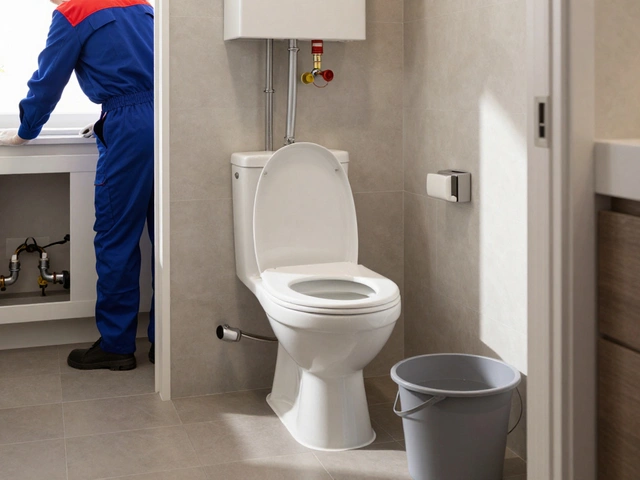
You can usually use the toilet when your boiler is being replaced, but water may be shut off during installation. Learn when it’s safe, how to flush without water, and what to ask your plumber to avoid surprises.
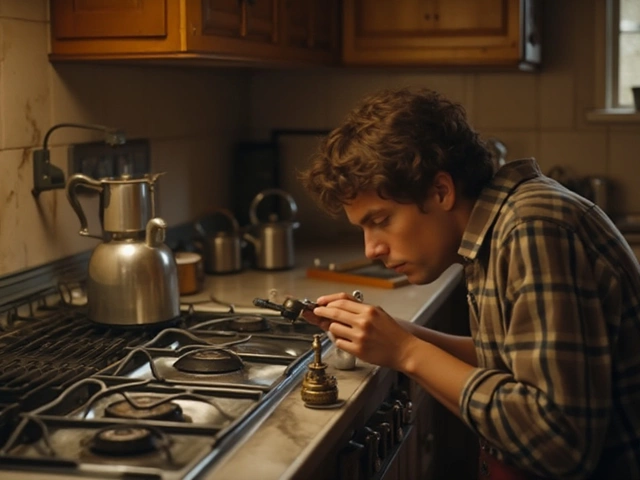
Gas cooktops are an essential part of the modern kitchen, but like all appliances, they can encounter problems over time. This article provides valuable tips and tricks on how to diagnose and repair common gas cooktop issues such as faulty igniters, uneven flames, and gas leaks. With useful insights and step-by-step guidance, even the least experienced DIY enthusiasts can potentially save money and extend the lifespan of their cooktops. If the repairs are too complex or safety is at risk, it is always advisable to seek professional assistance.

Wondering if you should repair your washing machine or just buy a new one? This article breaks down when it's smart to fix your appliance and when it's better to let it go. Get tips on common washing machine problems, repair costs, and simple troubleshooting steps. Plus, learn how to avoid getting ripped off by price gouging repair techs. If laundry day is starting to look like a coin toss, read this before calling the junk hauler.
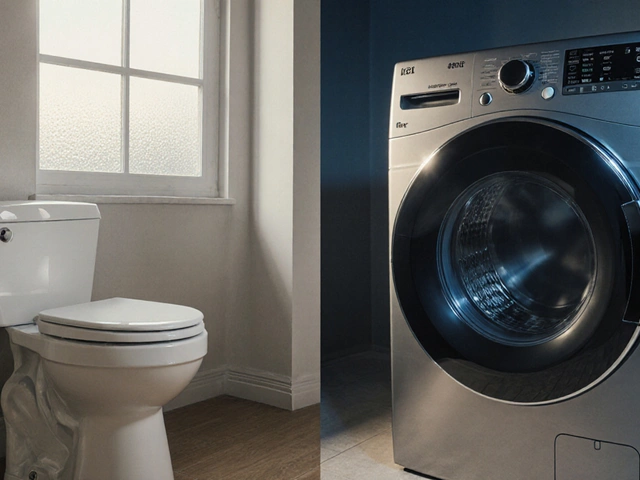
Learn why a toilet is classified as a plumbing fixture, not an appliance, and how this impacts warranties, insurance, and repair choices.