


Laptop Repair vs. Replace Calculator
The 50% Rule Analyzer
UK Market 2026- Repair Cost:
- Max Recommended Spend:
- Difference:
Staring at a cracked screen or a laptop that refuses to charge is frustrating enough without the added stress of wondering if you’re about to get ripped off. The honest answer to "how much should I spend on laptop repair?" is: it depends entirely on what’s broken and how old your machine is. But there are hard rules of thumb that can save you hundreds of pounds.
In the UK market as of mid-2026, minor repairs like battery swaps start around £40, while major logic board replacements can push past £300. If the quote exceeds 50% of your laptop's current resale value, you are likely better off buying a new device. Let’s break down exactly where your money goes and when to walk away.
The 50% Rule: When to Repair vs. Replace
Before you hand over any cash, you need to know the real-world value of your laptop. This isn't about what you paid five years ago; it's about what someone else would pay for it today. Check sites like eBay or CeX for sold listings of your specific model.
What is the 50% rule for laptop repairs?
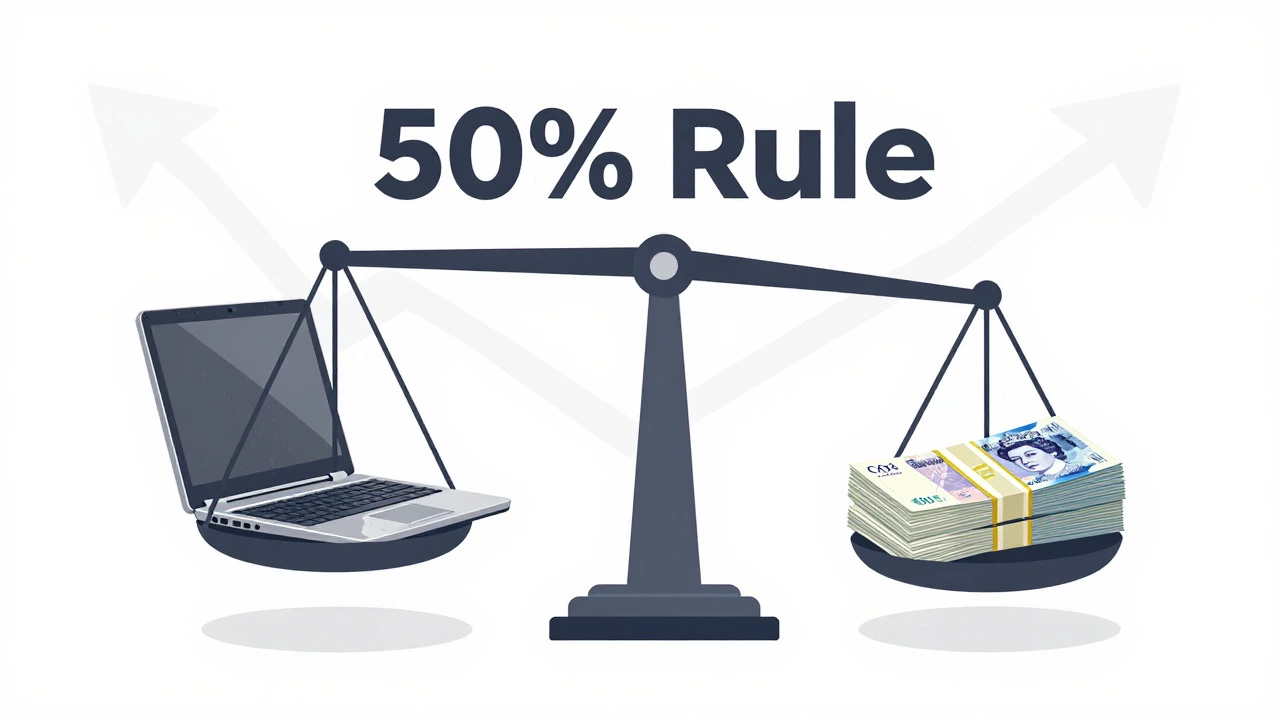
The 50% rule states that if the cost of repairing your laptop exceeds 50% of its current market value, you should replace it instead. For example, if your used laptop is worth £200, do not spend more than £100 on repairs. Anything above that is financially inefficient compared to upgrading.
If your laptop is three years old or newer, most repairs make sense. These machines still have performance headroom and modern connectivity standards (like USB-C and Wi-Fi 6). If your device is older than five years, even cheap parts might be hard to find, and the repair might just buy you another six months of life before something else fails.
Common Repairs and Their Average Costs in the UK
Prices vary by brand. Apple MacBook repairs tend to be 20-30% more expensive than Windows equivalents due to proprietary parts and higher labor rates. Here is what you can expect to pay in Bristol and across the UK in 2026:
| Repair Type | Budget/Low-End Laptop | Mid-Range/Pro Laptop | Apple MacBook |
|---|---|---|---|
| Battery Replacement | £35 - £50 | £50 - £80 | £70 - £120 |
| Screen Replacement (LCD/LED) | £60 - £90 | £100 - £180 | £150 - £250 |
| Keyboard Replacement | £40 - £60 | £70 - £120 | £80 - £150 |
| Hinge Repair | £50 - £80 | £80 - £130 | £100 - £180 |
| Motherboard/Logic Board | £150+ (Often Not Worth It) | £200 - £350 | £250 - £450+ |
| Data Recovery | £50 - £100 | £100 - £200 | £150 - £300 |
Note that these prices usually include labor. If you buy a part online and try to fix it yourself, you save on labor but risk voiding warranties or breaking connectors. For most people, paying a professional is safer unless you are comfortable with microsoldering or delicate disassembly.
Why Screen Replacements Vary So Much
You might see quotes ranging from £60 to £250 for a screen. Why the difference? It comes down to panel type and integration.
- Standard LED Panels: Found in older or budget laptops. These are cheaper and easier to source. However, many modern laptops use panels with integrated webcams or microphones, which raises the price.
- High-Resolution (4K/OLED) Panels: If your laptop has a 4K display or an OLED screen, the replacement part alone can cost £150+. Labor adds another £50-£80 because these screens are fragile and require precise calibration.
- OEM vs. Aftermarket Parts: Original Equipment Manufacturer (OEM) parts match the factory quality but cost more. Aftermarket parts are cheaper but may have lower brightness, poorer color accuracy, or shorter lifespans. Always ask your technician which they are using.
The Hidden Cost: Data Loss
When calculating repair costs, don’t forget the value of your data. If your laptop won’t boot, the issue could be a simple loose cable (£0 fix) or a dead storage drive (£100+ for SSD replacement + data recovery).
If your files are critical, prioritize data recovery before hardware repair. A failing hard drive can cause further corruption during the repair process. Professional data recovery services in the UK typically charge between £100 and £300 depending on complexity. Cloud backups exist for this reason-if you haven’t backed up recently, consider the potential cost of lost work when deciding whether to repair.
DIY vs. Professional Repair: Is It Worth the Risk?
Saving £50 on labor sounds great until you strip a screw or snap a ribbon cable. Here is how to decide:
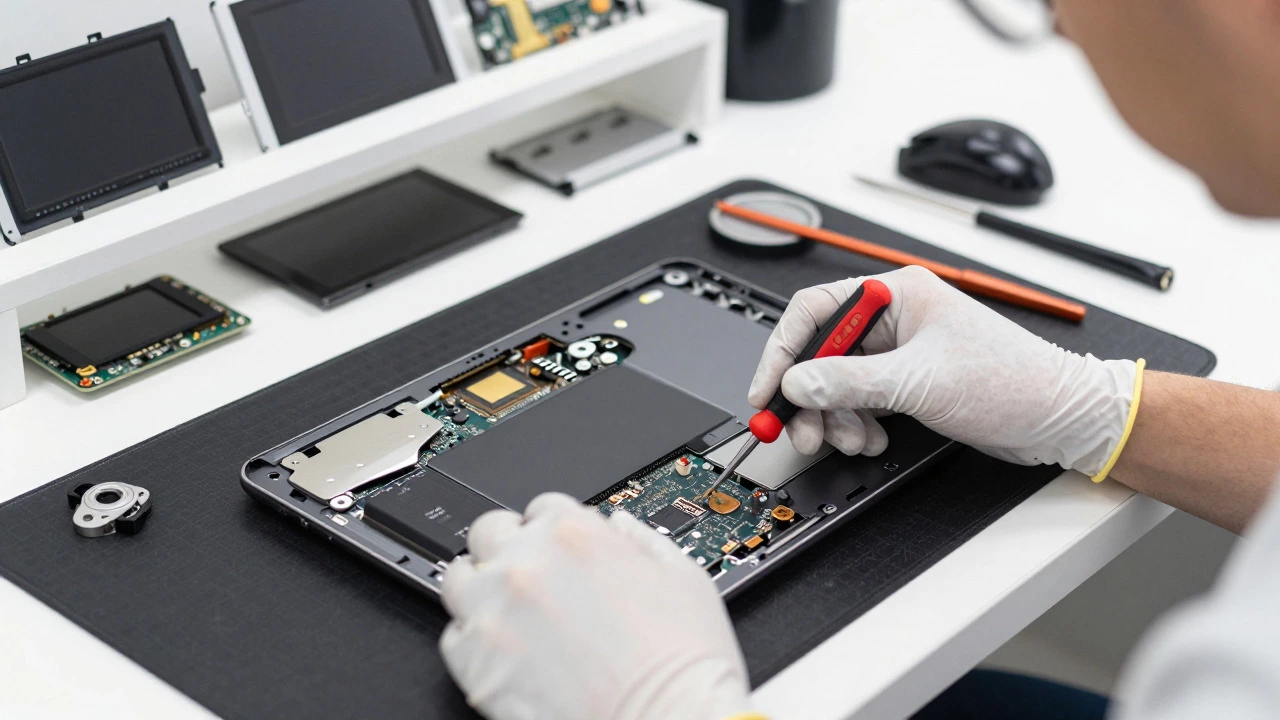
- Check iFixit Ratings: Websites like iFixit provide repairability scores. If your laptop has a score below 5/10, it is glued together or uses proprietary screws. DIY is risky.
- Warranty Status: If your laptop is under warranty, opening it yourself will void it. Stick to authorized service centers.
- Tool Availability: Do you have a proper set of precision screwdrivers, spudgers, and anti-static mats? Borrowing tools often leads to stripped screws.
For simple tasks like RAM upgrades or SSD swaps, DIY is safe and saves money. For screen, keyboard, or motherboard issues, professional help is usually worth the premium.
Red Flags: Avoiding Rip-Off Shops
Not all repair shops are created equal. Watch out for these warning signs:
- No Diagnostic Fee Policy: Reputable shops charge a small diagnostic fee (e.g., £20-£30) that is waived if you proceed with the repair. Free diagnostics often mean hidden costs later.
- Vague Quotes: "It’ll cost around £100" is not a quote. You should receive a written estimate detailing parts and labor separately.
- Pressure Tactics: If a shop tells you the repair must be done immediately or your data will be lost, verify with a second opinion. Most hardware failures don’t worsen overnight.
- No Warranty on Work: Any professional repair should come with a 30-90 day warranty on parts and labor. If they don’t offer one, walk away.
When to Just Buy New
Sometimes, the best financial decision is to stop spending money on an old machine. Consider buying new if:
- Your laptop is over 5 years old.
- The repair cost exceeds £150 for a non-premium device.
- You need better performance for modern software (video editing, gaming, coding).
- The battery swells or leaks, indicating age-related degradation beyond just the cell.
In 2026, entry-level laptops with solid-state drives and 8GB of RAM start around £350-£450. If your repair quote approaches that number, a new machine offers longer support, better security updates, and improved energy efficiency.
Final Thoughts on Budgeting for Repairs
Knowing how much to spend on laptop repair comes down to balancing immediate needs against long-term value. Use the 50% rule as your anchor. Get multiple quotes. Ask about part origins. And always back up your data before handing over your device. A little research now prevents regret later.
Is it worth repairing a 5-year-old laptop?
Generally, no. Five-year-old laptops often lack modern security updates and performance capabilities. Unless the repair is very cheap (under £50) and the laptop serves a niche purpose, investing in a newer model is more cost-effective in the long run.
How long does a typical laptop repair take?
Simple repairs like battery or keyboard replacements often take 1-2 hours if parts are in stock. Screen replacements may take 2-4 hours. Motherboard repairs can take several days due to diagnostic time and potential shipping for specialized components.
Does Apple cover screen repairs under warranty?
Standard AppleCare+ covers accidental damage for a reduced fee (around £49-£99 depending on the model). Without AppleCare+, screen repairs are out-of-pocket and can exceed £200. Always check your coverage status via Apple’s official website before visiting a third-party shop.
Can I replace my laptop battery myself?
Yes, if your laptop has a user-replaceable battery compartment. Many modern ultrabooks have internal batteries requiring disassembly. Check your model’s manual or iFixit guides. If you are unsure, professional installation ensures safety and proper disposal of the old battery.
What should I do if my laptop is water-damaged?
Turn it off immediately and disconnect the battery if possible. Do not plug it in. Seek professional cleaning within 24-48 hours to prevent corrosion. Water damage repairs range from £100 to £300 depending on severity. Rice is a myth and can cause further damage.