


Geek Squad Cost & Coverage Estimator
Select Your Issue
Select an issue and click calculate to see your estimated cost.
When Is It Free?
Scenario Details
Click on a scenario above to learn more about when it applies and what to expect.
Quick Check Steps:
- Check your purchase receipt for any service plan mentions.
- Verify manufacturer warranty status using your serial number on the brand's website.
- Backup your data before any repair process.
- Ask Geek Squad about diagnostic fees before authorizing work.
Compare Repair Options
Estimated Cost Comparison
Key Considerations
Tip: For simple fixes like SSD upgrades or battery swaps, independent shops are frequently cheaper. For complex board-level repairs, certified technicians at Geek Squad may be worth the premium.
Common Myths About Tech Support Pricing
"If I buy from Best Buy, they'll fix it for free forever."
"Any repair is covered if the laptop is less than 2 years old."
"Independent shops use cheap, bad parts."
Most people assume that because they bought their laptop from Best Buy, fixing it at the store should be a breeze. But when you call Geek Squad, do you really get to avoid paying anything? The short answer is: usually, no. Unless your device is still under a specific manufacturer warranty or you have an active service plan, expect to pay for both parts and labor.
Confusion often stems from mixing up two different types of coverage: the standard manufacturer warranty (which covers defects) and retail service plans (which cover accidents). If your screen cracked because you dropped it, that’s not a defect. That’s an accident. And accidents almost always come with a price tag. Let’s break down exactly when you might walk away without paying a dime, and when you should budget for a repair bill.
When Is Geek Squad Actually Free?
There are only three scenarios where you won’t pay out of pocket for a Geek Squad visit. Knowing these distinctions saves you from surprise invoices.
- Manufacturer Warranty Defects: If your laptop fails within the first year (or longer, depending on the brand) due to a manufacturing flaw-like a motherboard failure or battery swelling from internal heat-you can claim this under the original maker’s warranty. Geek Squad acts as the agent for Best Buy in these cases. They diagnose the issue, confirm it’s a defect, and replace the part or the whole unit. You pay nothing, but the process can take days or weeks while parts are sourced.
- Active TotalCare Service Plan: If you bought the optional TotalCare plan at the register, most repairs-including accidental damage like spills or drops-are covered. You typically pay a small "service fee" (often around $49-$99), but the actual cost of parts and labor is waived. This is the closest thing to "free" repair, but it requires prior purchase.
- Promotional Offers: Occasionally, Best Buy runs promotions where a basic diagnostic or software tune-up is free for new customers or members of their loyalty program. These are rare and time-limited, so don’t count on them unless you see a specific banner on the website or in-store signage.
If none of these apply, you’re looking at a standard out-of-warranty repair. In this case, the cost depends entirely on what’s wrong with your machine.
How Much Does Out-of-Warranty Repair Cost?
Without a service plan, Geek Squad charges based on complexity. Here’s a realistic look at typical price ranges for common laptop issues as of mid-2026:
| Issue Type | Estimated Cost Range (USD) | Timeframe |
|---|---|---|
| Software Troubleshooting / Virus Removal | $99 - $150 | Same day or next day |
| Battery Replacement | $150 - $250 | 1-3 business days |
| Screen Replacement | $200 - $400+ | 2-5 business days |
| Hard Drive / SSD Upgrade | $100 - $300 (depending on size) | Same day |
| Motherboard / Major Hardware Failure | $300 - $600+ | 1-2 weeks |
Note that these prices include labor. If the diagnosis reveals a more complex issue than initially suspected, the final bill may increase. Always ask for a written estimate before authorizing any work over $100.
Geek Squad vs. Local Independent Repair Shops
Many consumers wonder if going to a local independent technician is cheaper. Often, yes. Independent shops typically charge lower hourly rates and source parts directly, avoiding the markup added by large retailers. However, there are trade-offs.
- Convenience: Geek Squad is located inside Best Buy stores, making drop-off easy if you shop there regularly. Independent shops may require travel to a separate location.
- Warranty on Repairs: Geek Squad usually offers a 90-day warranty on parts and labor. Some independent shops offer 30 days, while others match or exceed this. Check before you commit.
- Part Availability: For obscure or older models, independent technicians may have better access to third-party or refurbished parts, which can significantly reduce costs compared to OEM (Original Equipment Manufacturer) parts used by Geek Squad.
- Data Security: Both types of shops handle data, but Geek Squad operates under corporate IT security protocols. If your laptop contains sensitive business data, this might be a deciding factor.
For simple fixes like SSD upgrades or battery swaps, independent shops are frequently 20-30% cheaper. For complex board-level repairs, the difference narrows, and the expertise of certified technicians becomes more valuable.
How to Maximize Your Chances of a Free Fix
Before you even pick up the phone, take these steps to potentially save money:
- Check Your Purchase Receipt: Look for any mention of a service plan. Even if you don’t remember buying one, it might be attached to your account.
- Verify Manufacturer Warranty Status: Visit the website of your laptop’s manufacturer (Dell, HP, Lenovo, Apple, etc.) and enter your serial number. Confirm the warranty expiration date and coverage type.
- Backup Your Data: Regardless of who fixes it, back up your files. This protects you from data loss during any repair process.
- Ask About Diagnostic Fees: Call Geek Squad and explicitly ask if there is a fee for diagnostics if the problem turns out to be minor or user-error related. Some locations waive diagnostic fees if you proceed with the repair.
Common Myths About Tech Support Pricing
A few persistent myths keep people from seeking help until their devices fail completely. Let’s clear them up.
Myth 1: "If I buy from Best Buy, they’ll fix it for free forever."
Truth: Best Buy is a retailer, not the manufacturer. Their responsibility ends once the manufacturer warranty expires. After that, you are a customer of Geek Squad, which is a paid service division.
Myth 2: "Any repair is covered if the laptop is less than 2 years old."
Truth: Age doesn’t matter; condition does. A two-year-old laptop with a cracked screen is not covered by standard warranty. Only defects are covered.
Myth 3: "Independent shops use cheap, bad parts."
Truth: Reputable independent shops use OEM or high-quality third-party parts. The key is choosing a shop with good reviews and a clear warranty policy.
What To Do If You’re Denied a Free Claim
Sometimes, claims are denied due to technicalities. If this happens, don’t just accept it. Ask for the specific reason in writing. Common denial reasons include:
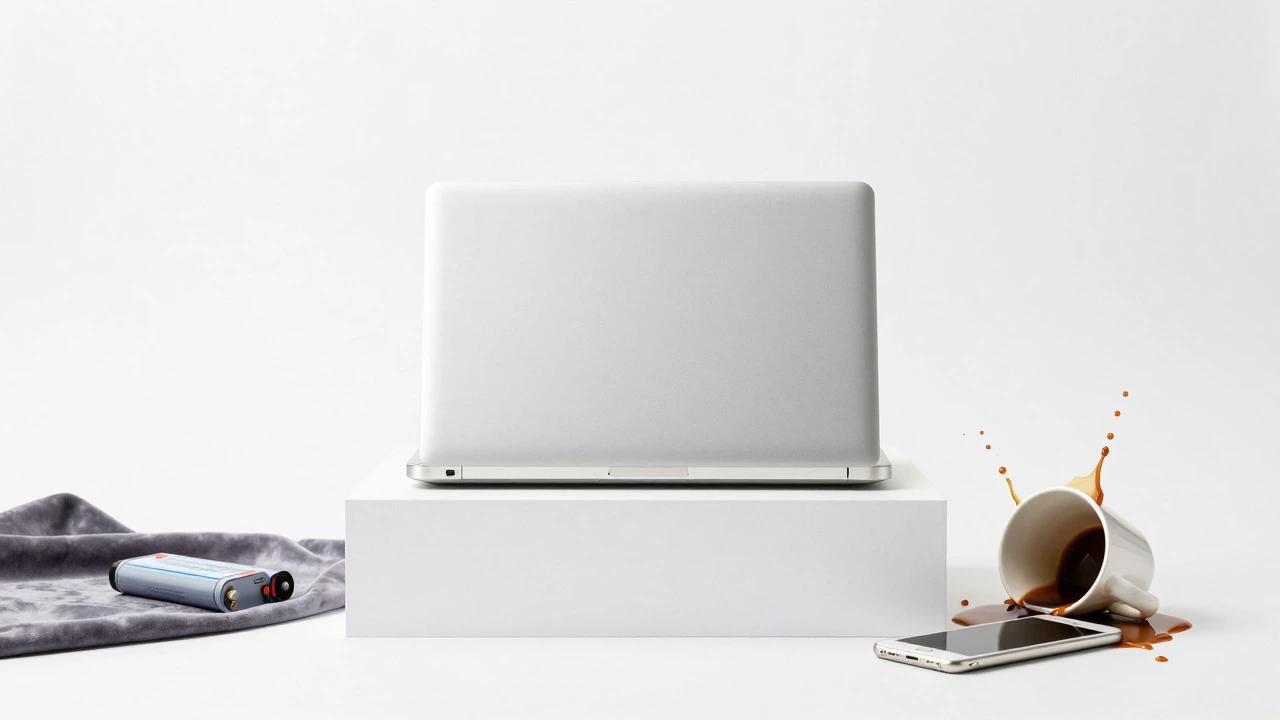
- Physical damage (drops, liquid spills).
- Unauthorized repairs by a previous technician.
- Exceeded warranty period by even one day.
If you believe the denial is incorrect, contact the manufacturer’s support line directly. Sometimes, a second opinion from the brand itself can override the retailer’s initial assessment. Keep all receipts and communication logs handy.
Frequently Asked Questions
Does Geek Squad charge for diagnostics?
Yes, typically. If you decide not to proceed with the repair after the diagnosis, you will usually owe the diagnostic fee, which ranges from $49 to $99. If you do proceed with the repair, this fee is often credited toward the total bill.
Is it worth buying a Geek Squad service plan?
It depends on how you use your laptop. If you are prone to accidents (spills, drops) or use your device heavily for work, a TotalCare plan can save money if a major issue arises. If you are careful and rarely need repairs, the annual cost may not be justified.
Can I use my own parts with Geek Squad?
Generally, no. Geek Squad prefers to install their own sourced parts to ensure compatibility and maintain their warranty on the repair. Using your own parts may void the repair warranty.
How long does a typical laptop repair take?
Simple software fixes can take 1-2 hours. Battery or hard drive replacements usually take 1-3 days. Screen or motherboard repairs can take up to 2 weeks if parts need to be ordered.
What if my laptop is too old to repair?
If the repair cost exceeds 50% of the value of a comparable new laptop, it is often more economical to replace the device. Geek Squad technicians will usually advise you on this during the diagnostic phase.