
Dishwasher Reset Guide & Troubleshooting Tool
Select your dishwasher brand to get the specific reset sequence, or start with a general hard reset if you're unsure.
Reset Instructions
Did it work?
The Quickest Way to Clear the Brain: The Hard Reset
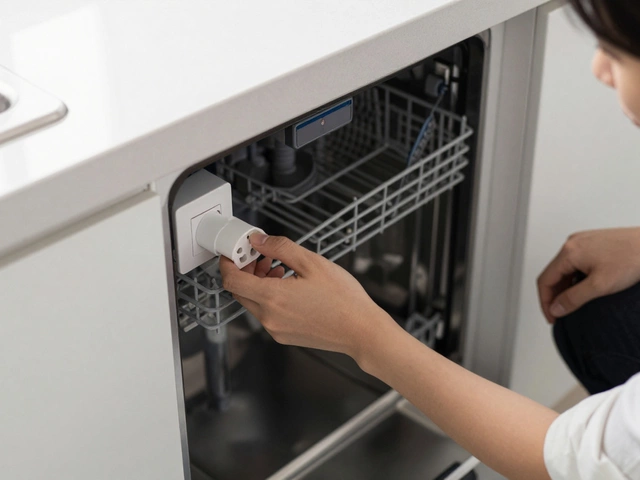
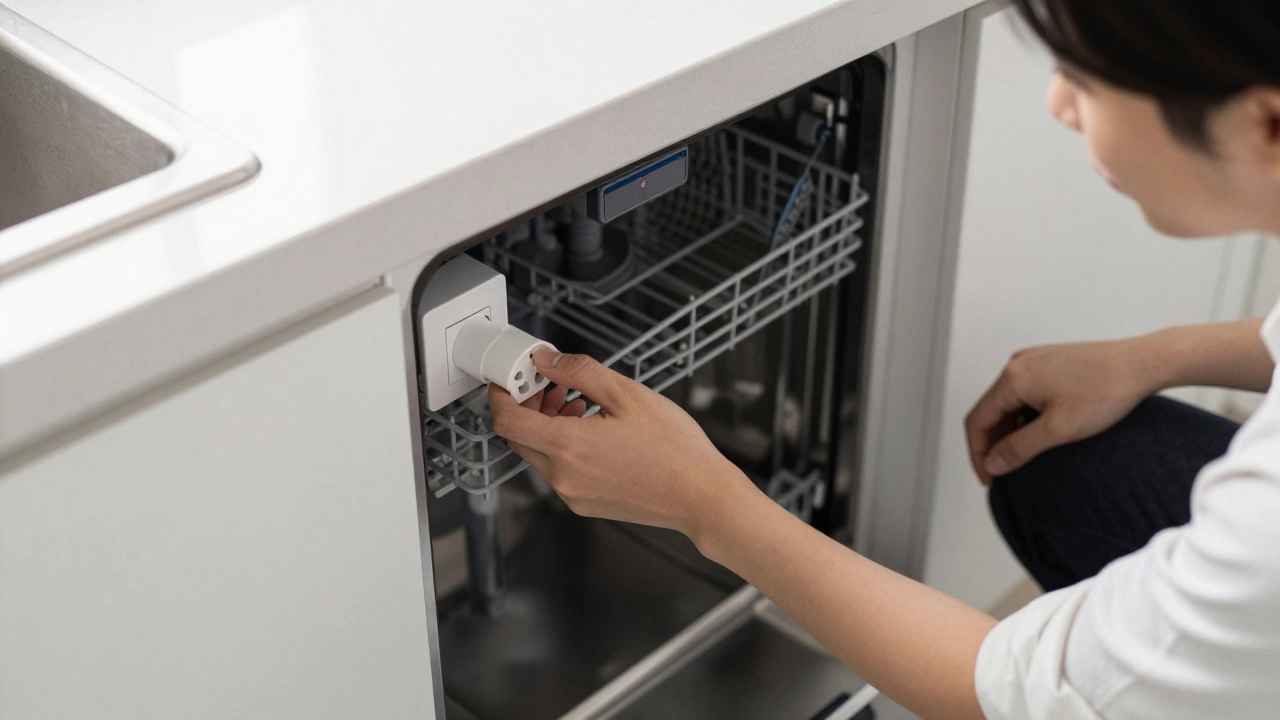
If your machine is completely unresponsive, the most reliable move is the hard reset. This isn't about pressing buttons; it's about cutting the power entirely. When you pull the plug or flip the switch, you drain the capacitors on the control board, forcing the system to restart from scratch when power returns.
Start by locating your power source. If your dishwasher is plugged into a wall socket under the counter, unplug it for at least 60 seconds. If it's hardwired-which is common in many UK kitchens-you'll need to head to your consumer unit (fuse box) and flip the circuit breaker for the kitchen or the specific dishwasher line. Leave it off for a full minute. This gap ensures the memory is truly wiped. When you flip it back on, wait a few seconds before pressing any buttons to let the system boot up normally.
Brand-Specific Reset Secrets
Different manufacturers design their control boards differently. While a power cut works for most, some brands have "hidden" button combinations that act as a soft reset, which is often faster than crawling under the cabinets.
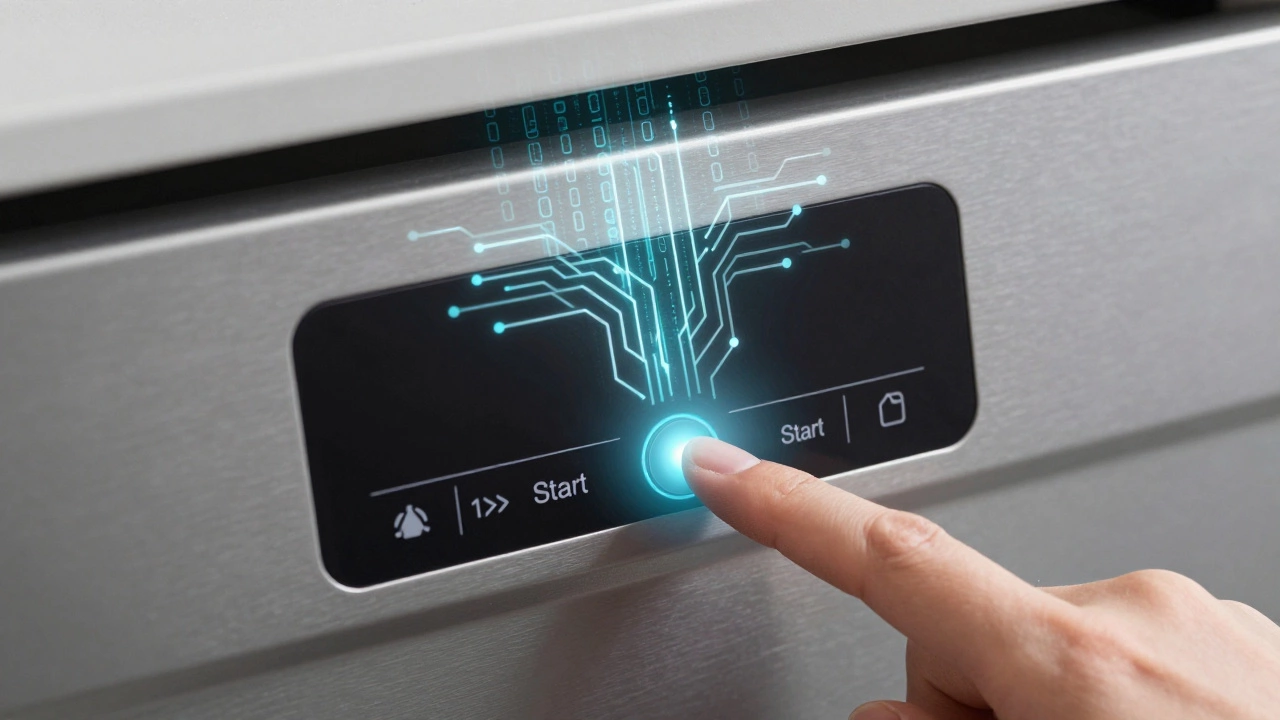
For those with a Bosch or Siemens machine, you can often trigger a reset by holding the "Start" button for about 3 to 5 seconds. You'll usually see the remaining time countdown or a light blink, signaling that the current cycle has been cancelled. If the machine is stuck mid-wash, this is the best way to force it to drain the water before you try starting a new load.
If you're using a Whirlpool or KitchenAid, the process is a bit more like a secret handshake. You typically need to press the "Cancel" or "Start" button, followed by any two other buttons in quick succession-usually within 5 seconds. This sequence tells the computer to ignore the current error and restart its logic. It’s a clunky system, but it works.
For Samsung owners, look for the "Heavy" and "Normal" cycles. Pressing these two buttons simultaneously for 3 seconds often resets the control panel. If that doesn't work, Samsung machines are notorious for needing a full power-down via the circuit breaker to clear stubborn error codes like "4C" or "LC".
| Brand | Primary Method | Secondary Method | Typical Result |
|---|---|---|---|
| Bosch/Siemens | Hold 'Start' (3-5s) | Circuit Breaker | Cycle Cancelled/Drain |
| Whirlpool | 'Cancel' + 2 buttons | Unplugging | Error Code Cleared |
| Samsung | 'Heavy' + 'Normal' (3s) | Circuit Breaker | Board Reboot |
| LG | Hold 'Power' or 'Start' | Unplugging | System Refresh |
Dealing with Error Codes and Flashing Lights
A reset is a great first step, but if an error code pops back up immediately, your dishwasher is trying to tell you something specific. An error code is essentially the machine's way of saying, "I can't start because X is broken." For example, if you see a code related to "water inlet," resetting the board won't fix a clogged filter or a kinked hose.
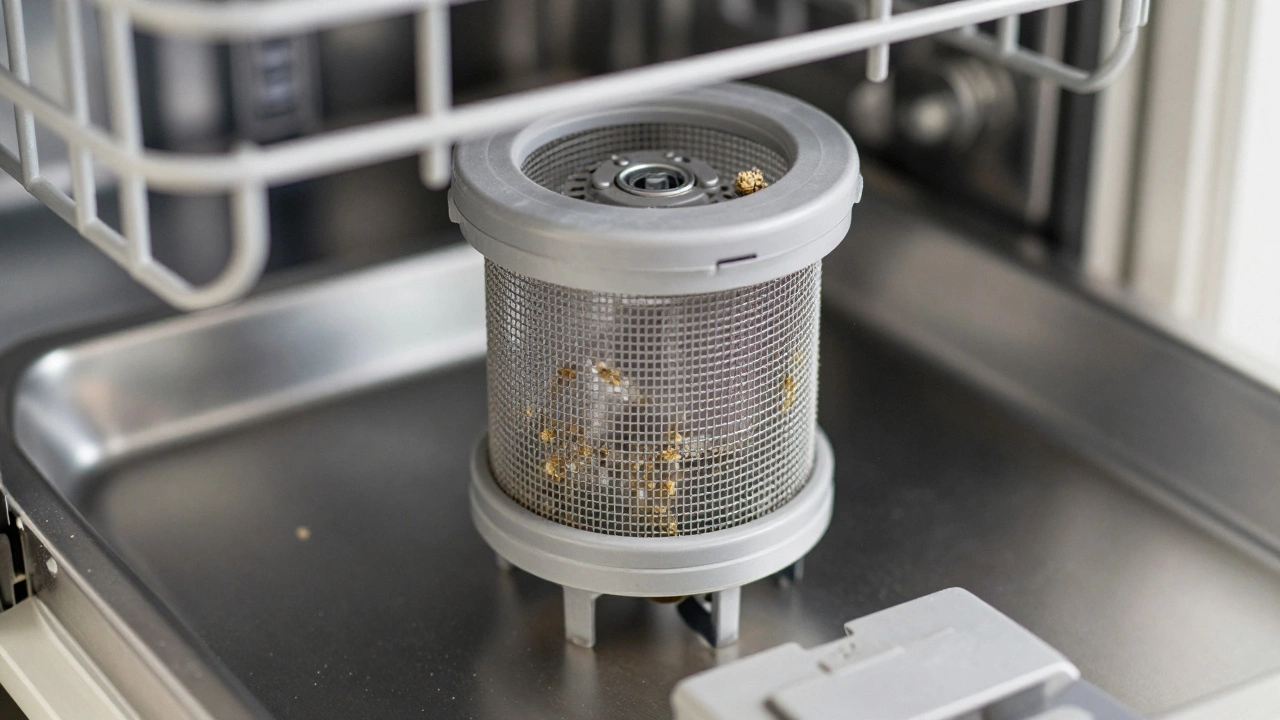
Before you try to reset a dishwasher for the third time, check these three common culprits: first, make sure the door is clicking shut completely; a loose latch will trigger a safety error. Second, check the Filter at the bottom of the tub. If it's packed with food scraps, the pump might be overheating, causing the electronics to trip. Third, ensure the water supply valve is fully open. If the machine can't fill in a set amount of time, it will throw a timeout error and freeze the cycle.
When a Reset Isn't Enough: Troubleshooting the Hardware
If you've tried the button sequences and the power flip, and the machine still won't budge, you're likely dealing with a hardware failure rather than a software glitch. The most common hardware issue that mimics a software freeze is a failed Door Latch Assembly. If the sensor doesn't detect a seal, the control board will refuse to initiate the cycle, no matter how many times you reset it.
Another sneaky issue is a faulty Control Board. If you see burn marks on the circuit board (accessible by removing the inner door panel on some models) or if the buttons feel "mushy," a reset won't help. In these cases, the capacitors may have blown, and the board needs replacing. This is where the "reset" becomes a diagnostic tool: if the machine works for ten minutes after a power reset and then freezes again, you've likely got an intermittent electrical short or an overheating component.
Pro Tips for Long-Term Stability
To prevent your dishwasher from needing frequent resets, focus on the environment it lives in. Many modern machines are sensitive to "dirty power"-voltage spikes and dips from your home's electrical grid. If your dishwasher is on a circuit shared with a high-draw appliance like a microwave or a toaster, it might trip the internal logic more often.
Also, consider the buildup of limescale. In hard-water areas, calcium deposits can slow down the impeller in the drain pump. The motor has to work harder, draws more current, and can cause the control board to trigger a safety shutdown. Using a dedicated descaler once a month keeps the mechanical load low, which in turn keeps the electronics happy.
Will resetting my dishwasher delete my saved settings?
No. A hard reset or a button-sequence reset clears the volatile memory (the current state of the cycle) but doesn't erase the non-volatile memory where your preferred settings (like "Eco Mode" or "Extra Dry") are stored.
How do I know if the reset actually worked?
Usually, the display will clear, all flashing lights will stop, and the machine will return to its "Ready" or "Off" state. If the error code reappears the second you hit Start, the issue is mechanical, not electronic.
Can I reset a dishwasher while it's full of water?
Yes, but be careful. A reset might stop the cycle, but it doesn't always trigger a drain. If the machine is full of soapy water, you may need to manually scoop some out or use the "Cancel/Drain" function before opening the door to avoid a flood on your kitchen floor.
Is it safe to flip the circuit breaker multiple times?
Flipping a breaker once or twice for troubleshooting is perfectly safe. However, if the breaker trips immediately after you flip it back on, stop. This indicates a direct short circuit or a ground fault, and continuing to flip it could damage the wiring or the appliance.
Why does my dishwasher freeze every time I use a certain cycle?
This often happens if the specific cycle (like "Heavy Duty") requires a temperature or water level that the machine can't reach. If the heating element is burnt out, the machine will wait for the water to heat up, eventually time out, and freeze. Try a "Quick Wash"-if that works, your heating element is likely the culprit.
Next Steps: What to do if it still won't start
If you've performed a hard reset and tried the brand-specific shortcuts but the machine is still dead, it's time to move from software to hardware. Start by checking your home's GFCI outlet (the one with the little reset button) to make sure it hasn't tripped. If the power is definitely reaching the machine, check for a blown thermal fuse-a common failure point in many brands that cuts power to the board to prevent fires.
For those who aren't comfortable with a multimeter, this is the point where you should call a professional. When you call, tell them exactly which reset methods you've already tried. This saves the technician time and prevents them from charging you for the simple act of flipping a switch, allowing them to dive straight into the real problem, like a failed capacitor or a blocked drain pump.